
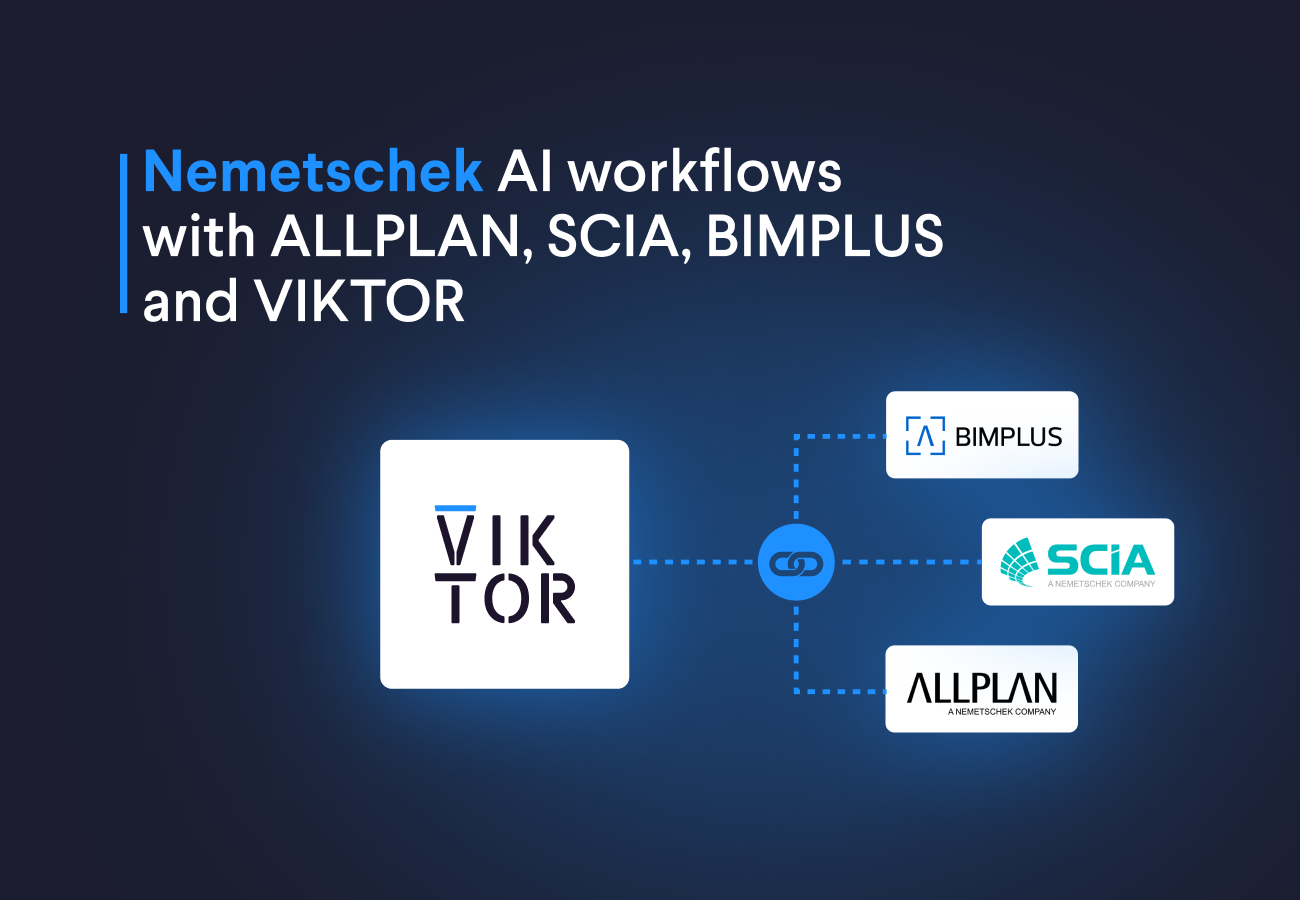
If you missed the webinar or want to revisit any part of it, the full recording is available on demand here: Watch the recording.
For engineering teams searching for a practical ALLPLAN and SCIA integration, the webinar shows a clear pattern. Start with one repeated SCIA modeling task, describe it in a prompt, let VIKTOR create an app that connects with the Nemetschek ecosystem, ask your colleagues to review it, and finally scale it across your team
In this blog you will learn how to:
- Use VIKTOR AI to build a SCIA automation app from a prompt
- Connect ALLPLAN BIM workflows, SCIA analysis, and BIMPLUS collaboration inside the Nemetschek ecosystem
- See how VIKTOR AI agents can connect several engineering apps into one structural design workflow
Build a SCIA automation app with VIKTOR AI
Stijn started with the challenge many engineering teams face today. Projects are getting more complex, timelines are shorter, and automation is still difficult to scale across a company.
He then introduced the App Builder, our AI coding agent that helps engineers turn prompts into automated workflows. The result is faster automation, safer review, and reusable VIKTOR apps that connect to engineering software and scale securely across the team through the VIKTOR platform.
To show this in practice, Stijn created an app for a repetitive SCIA automation workflow. The example used a solar panel structure made from cold formed profiles. The task was to modify an existing SCIA model by extending piles below the support nodes, moving the supports to the bottom of those piles, and exporting an updated XML file that can be opened again in SCIA.
The value is that an existing SCIA model becomes parametric, so engineers can test pile length variations, save time on manual edits, and start a larger analysis from the same app. You can build this yourself in minutes.
You can start by prompting the App Builder with the following:



Build this app now
Then upload the complete SCIA XML file in the App Builder interface and use this follow up prompt:
1Attached you can find the complete SCIA XML model. Use it to render the model geometry, modify the model by adding piles, and assign the supports at the end of the piles.
2
3Note: this SCIA XML uses the default namespace http://www.scia.cz, so parse ElementTree tags with namespace-qualified names such as {http://www.scia.cz}container. Also inspect the support containers before moving the supports.
When the application is ready, upload the SCIA .esa model, the complete SCIA XML file, and the SCIA XML definition file. Then set the pile extension length and run the app. The app should generate the updated geometry, show the new pile members in the 3D view, and let you download the updated XML file so you can open it again in SCIA!
Connect ALLPLAN, SCIA and BIMPLUS in the Nemetschek ecosystem
Bjorn then introduced the wider Nemetschek ecosystem and explained how the different tools fit across the life cycle of a project. The important point is that Nemetschek is not one tool for one task. It is an ecosystem of specialized products that support planning, design, structural analysis, detailing, construction, collaboration, and operation.
In that ecosystem, ALLPLAN supports BIM design to build workflows. SCIA focuses on structural analysis and design for 3D structures. BIMPLUS provides an open BIM, model based data and project collaboration platform. Other tools such as FRILO, DC, SDS2, Solibri, Bluebeam and Spacewell support more specific parts of the process.
For engineers, the value is not only that these products exist in the same Nemetschek ecosystem. The value comes when information can move between the right tools at the right time. A model can start in an ALLPLAN BIM workflow, structural logic can be checked in SCIA, collaboration can happen through BIMPLUS, and project specific automation can be wrapped in VIKTOR.
Use VIKTOR AI agents for structural design workflows
After showing that a SCIA automation app can be created in minutes and placing that app inside the wider Nemetschek ecosystem, the webinar moved to the next step: using an AI agent to coordinate several apps. This is where the workflow becomes more than a single calculation or model update. The agent can understand the task, identify which apps are needed, and move information between them.
Stijn demonstrated this with a wind turbine foundation design workflow. Instead of asking one app to do everything, the agent had access to several VIKTOR apps. Each app handled a specific engineering step, and the agent could use the relation between them to move the design forward.
The workflow included these steps:
- Define the wind turbine by selecting from common vendors and estimating the loads
- Pre design the foundation in SCIA and estimate reaction loads
- Use a map workflow to retrieve CPT data and estimate pile capacity
- Update the foundation calculation with the required pile length
- Calculate the required reinforcement for the foundation
- Create the final model in ALLPLAN
This is powerful because it mirrors how engineering work already happens. A foundation design does not live in one file. It depends on the turbine properties, structural reactions, soil data, pile capacity, reinforcement design, and the final model. The difference is that the agent can help coordinate these steps instead of leaving the engineer to move information manually between tools.
The engineer is still responsible for reviewing the assumptions and results. That remains essential. But the slow part of opening the apps, and copying values between them can be reduced. This is where VIKTOR AI agents become useful for engineering workflows: they connect verified apps instead of replacing engineering judgment.
Conclusion
This webinar showed how AI can help engineers automate SCIA workflows and move them into connected VIKTOR apps that teams can review, share, and scale securely. Instead of manually moving data between SCIA, ALLPLAN, BIMPLUS, and separate calculation tools, engineers can let an AI agent coordinate the next steps across several verified apps.
That means a workflow can move faster from model changes, to analysis, to pile checks, to reinforcement design, and finally to the ALLPLAN model. The result is less manual handover, fewer repeated edits, and a clearer path from one engineering decision to the next. If you want to explore how this could work for your own team, book a demo here.
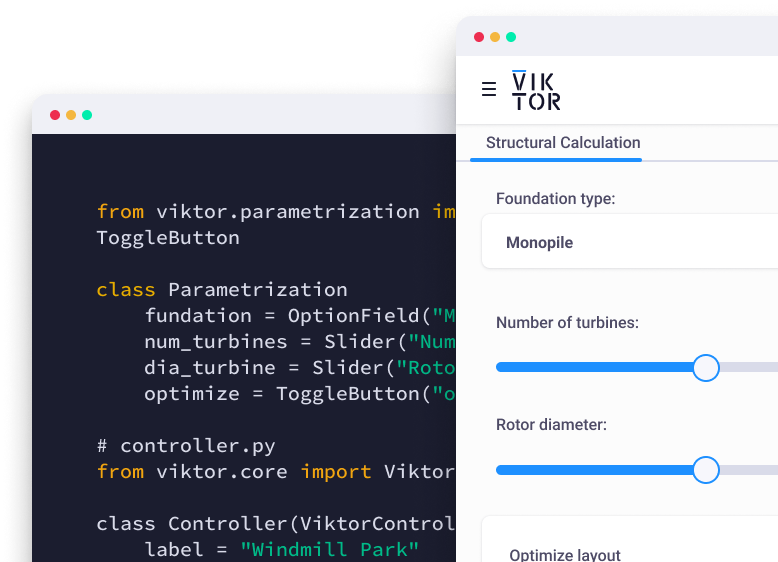
Start automating your workflows
Related Blog Posts
September 22, 2026
Automate Civil 3D workflows with VIKTOR AI: prompts for road alignments, profiles and cross-sections
Read more
September 14, 2026
Automate AutoCAD drawings with VIKTOR AI: 3 prompts for parametric structures and details
Read more
August 27, 2026