
Watch the webinar
If you missed the session or want to revisit any part of it, the full webinar recording is available on demand here: Watch the recording.
In this tutorial
You will create the same app that was built in the webinar using these 3 prompts:
- Prompt 1: Visualize your IFC BIM model
- Prompt 2: Create a simple quantity takeoff
- Prompt 3: Create a table and export the results to Excel
Prompt 1: Visualize your IFC BIM Model
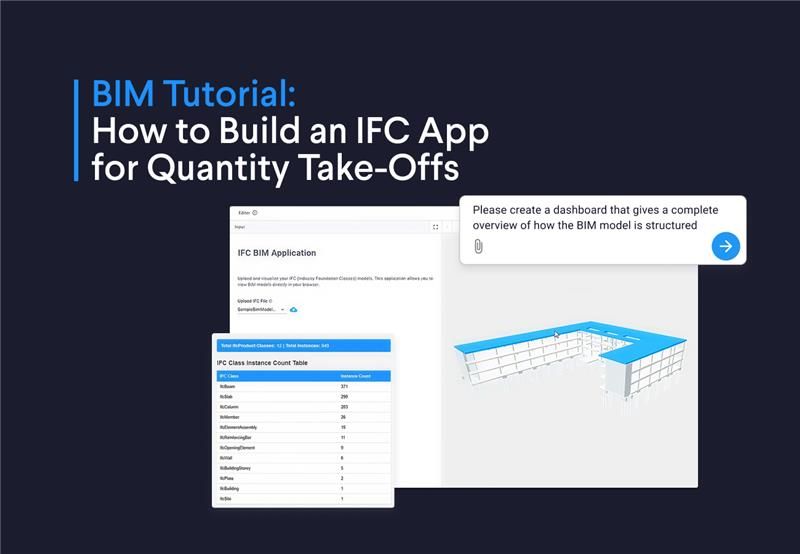
Rick started the live demo by generating a model viewer for IFC files. You can create one as well by downloading this model to your computer and running the following prompt.



Build an IFC model viewer
Prompt 2: Create a simple quantity takeoff
After creating the viewer, Rick used the following prompt to show how you can create a simple quantity takeoff. As an example, he generated a bar chart of material volumes. Copy and paste this prompt into the App Builder to create the same bar plot.
1Please create a dashboard that gives a complete overview of how the BIM model is structured.
2
3For this dashboard:
4- Include a table with two columns: IFC Class and Instance Count.
5- Add a bar chart that plots the material on the X-axis and the volume on the Y-axis. Make sure to use the IfcMaterial, including cases where it is nested inside an IfcSlabType, IfcMaterialLayerSet, or IfcMaterialConstituentSet.
6
7When reading the IFC file, load it in binary and decode it to text before generating the chart.
Prompt 3: Create a table and export the results to Excel
One of the questions that was asked in the webinar was whether you can generate an Excel file with the quantity take-off. Rick demonstrated how to not only get the quantity of the concrete elements in the model, but also export it:
1Create a table that has IFC Class, Element name, NetVolume, NetArea for all elements that have concrete in their name.
2Calculate the cost assuming a concrete cost of $130 USD/m3
3Add a new subheader named "Download Cost Analysis" and also add a download button that allows me to get an xlsx file!
Extend the application for sustainability analysis
In the webinar, Rick showcased how you can calculate carbon footprint cost using the 2050 Material API, which is a data provider for sustainability analysis. Integrating the API takes a bit more experience and effort, but you can make a simpler analysis by prompting:
1On top of the concrete volume analysis, calculate the embodied carbon for each IFC type using an embodied carbon factor of 150 kg CO2/m³. Add a new column in the table showing the total embodied carbon in kg CO2 for each element.
You and your team can add as many analyses as you need, such as cost per material, carbon footprint per floor, or total area per building zone.
Wrapping up
And that's it! You were able to create a useful application that automates quantity take-offs from your IFC model. Not only do you get automatically all the quantity of the concrete elements, you can also calculate the cost easily and export the results.
If you want to follow up and keep exploring what VIKTOR and the App Builder can help you achieve, book a demo here.
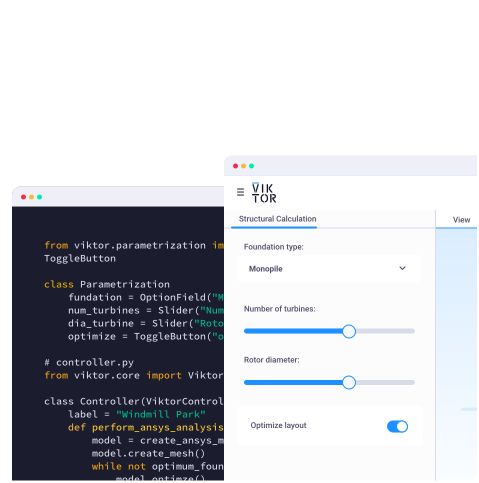
Start building apps for free
Related Blog Posts
October 09, 2026
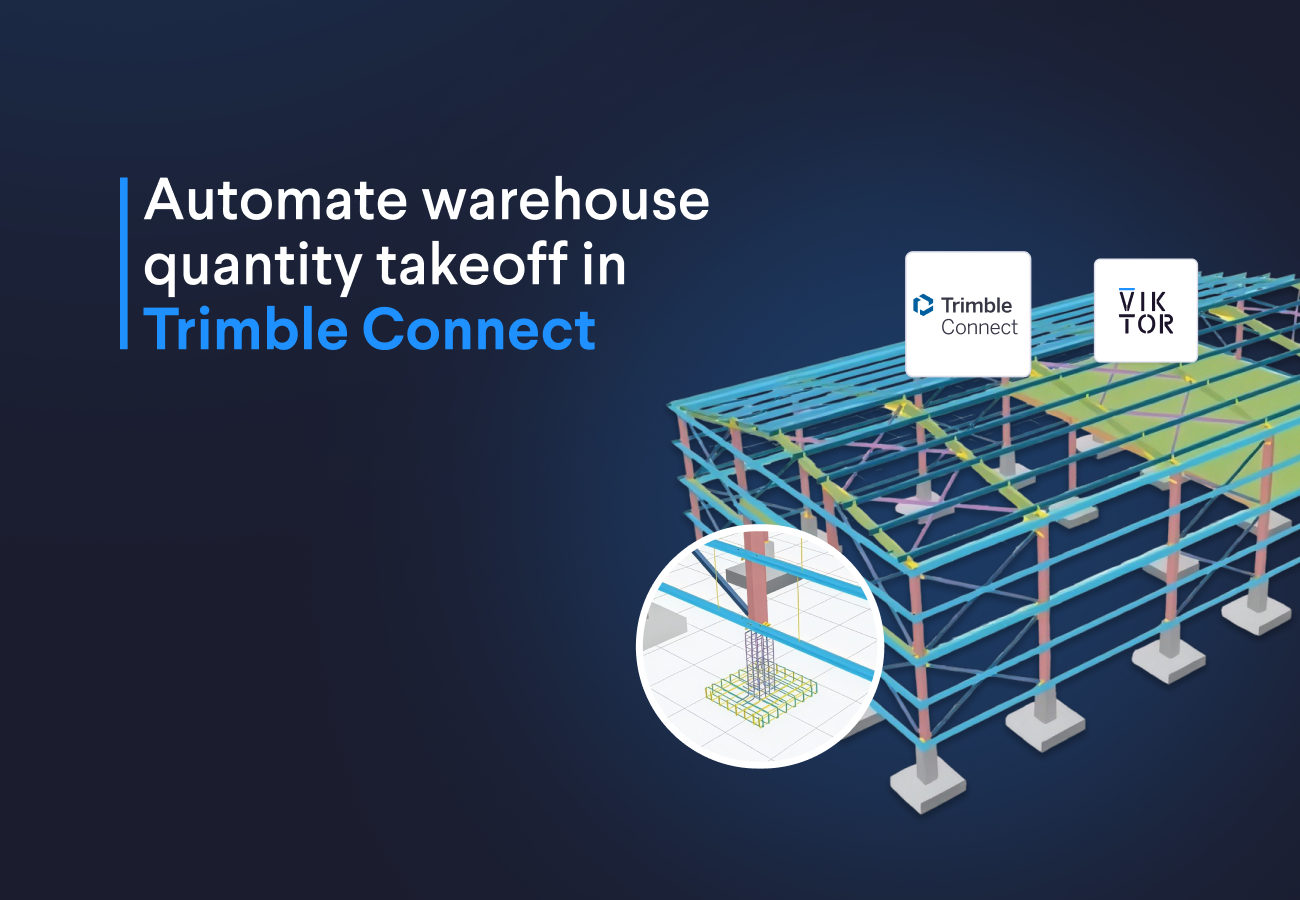
How to automate warehouse quantity takeoff in Trimble Connect with VIKTOR AI
Read more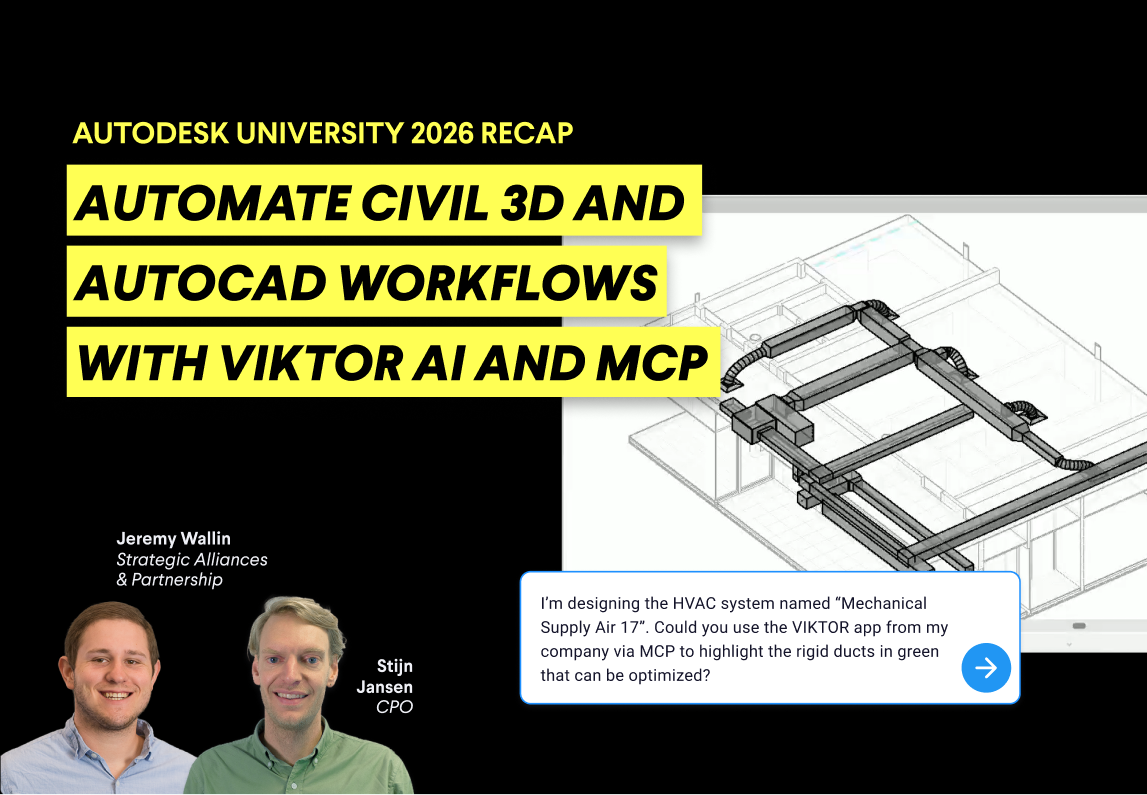
October 02, 2026
Autodesk University 2026 recap: Automate Civil 3D and AutoCAD workflows with VIKTOR AI and MCP
Read more
September 14, 2026