March 18, 2026
Use AI to Chat with Your Apps, Run Calculations, and Retrieve Data

by Alejandro Duarte Vendries
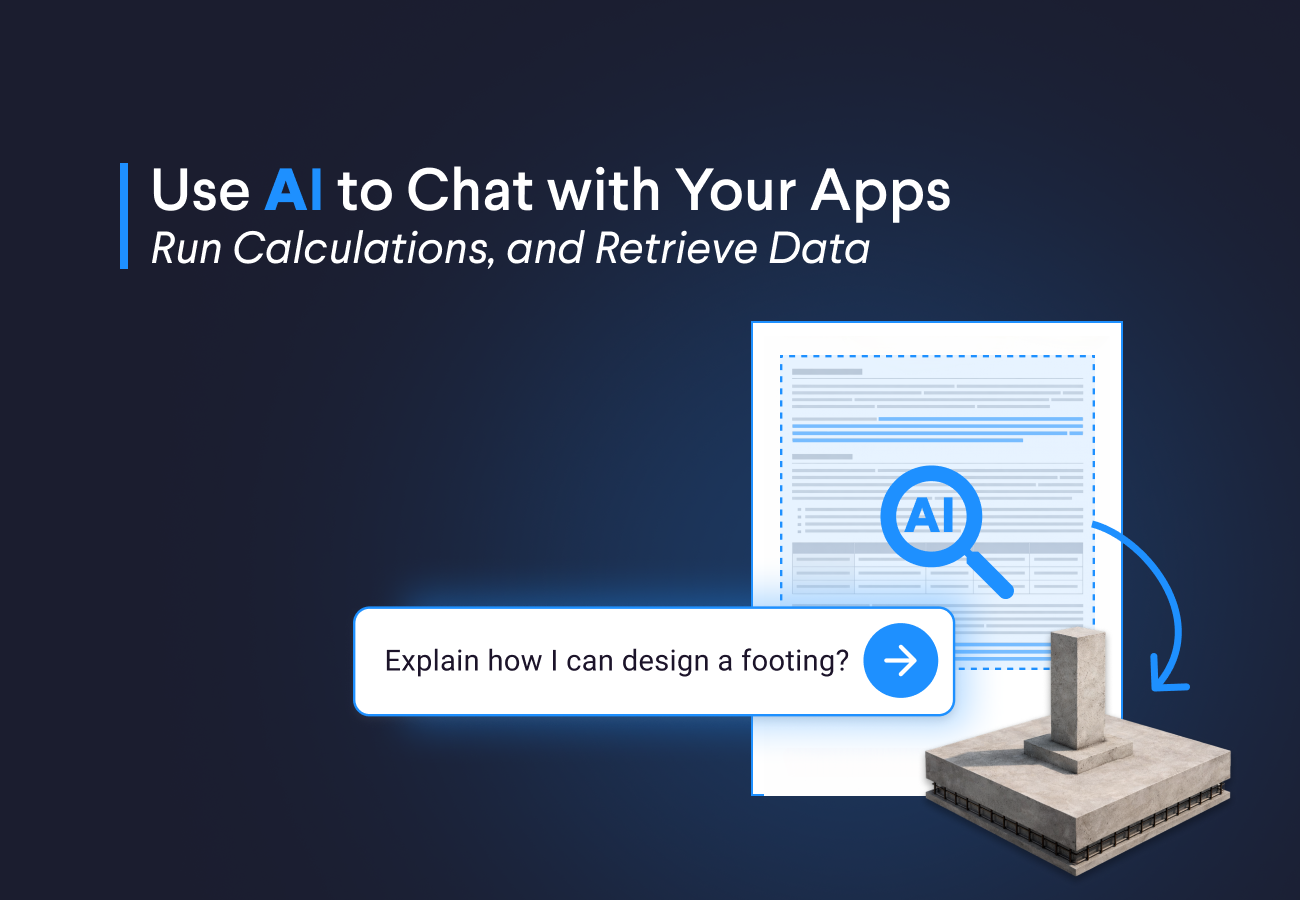
In this blog, you will learn how to build these AI powered apps and how to extract insights from your documents, so you can have a smart assistant inside your VIKTOR app that helps you find key information faster, answer questions about technical files, and reduce manual work.
We will show you two practical prompts you can use as a starting point to build AI-powered apps that can chat with your application.
You will learn how to:
- Build an app that lets you upload and view PDFs, and answer questions about engineering documents using an LLM (Prompt #1)
- Extract key parameters from a geotechnical report and set app inputs with AI to reduce manual work (Prompt #2)
Prompt 1: talk to engineering documents
With the first prompt, you create an app that lets you chat with an engineering document. In this example, the document is a “Sika” product specification sheet.
This is a useful workflow because many engineering documents are long and detailed. If you need one specific requirement or want to create a short summary, you often have to search through many pages by hand. With this app, you can upload the PDF and ask direct questions instead.
Start with this prompt in the App Builder:



Build this app now
Create an app that let's you talk to your engineering documents
Once the app is ready, upload this PDF in the file field. After that, you can ask questions such as:
1Based on the following PDF, make an engineering SOP to apply this product.
This simple setup can save time when you need to review product sheets, standards, or technical documentation. Instead of manually scanning the full document, you can ask focused questions and get a faster starting point for your work.
Prompt 2: use AI to extract data and set inputs in your app
The second prompt is even more practical for everyday engineering work. Many engineers spend time reading a geotechnical report, finding the right parameters, and then entering those values back into an application. That process takes time and is easy to get wrong.
In this example, the LLM reads the geotechnical report and fills in the inputs for a pad foundation app. This makes the workflow much faster, especially when the same type of task comes up again and again.
Use the following prompt:
Build this app now
Create an app that lets you check pad foundation under axial loads and shear loads
When the app is ready, upload this PDF in the file field and click the Set params button.
This shows a strong use case for AI in engineering apps. The model is not replacing engineering judgement. It is helping with one of the most repetitive steps in the workflow, which is finding the right values in a long report and placing them in the right inputs.
Future Additions
We are working on the following improvements to help you build more complex apps with more AI capabilities.
- Support for images is not available yet, but we are working to add more models that can process images.
- Support for MCPs is also part of our vision, and we will continue exploring ways to enable more agentic features.
- We will continue improving the capabilities of the app builder to make it better at creating these types of AI-powered apps.
- Support for processing audio, video, and image generation may also be added in the future based on demand, feedback, and overall adoption.
Conclusion
These two prompts show how easy it is to build AI-powered apps that can chat with your application. You can use it to talk to documents, extract useful parameters, and reduce manual work in common workflows.
This is a good starting point if you want to test AI in your own app without a heavy setup process. If you want to explore what this could look like for your team, you can Start now!.
Start building apps for free
Related Blog Posts

Get our best content in your inbox
Subscribe to our newsletter and get the latest industry insights