March 19, 2026
What's new in VIKTOR (March 2026)

by VIKTOR
Chat with your app
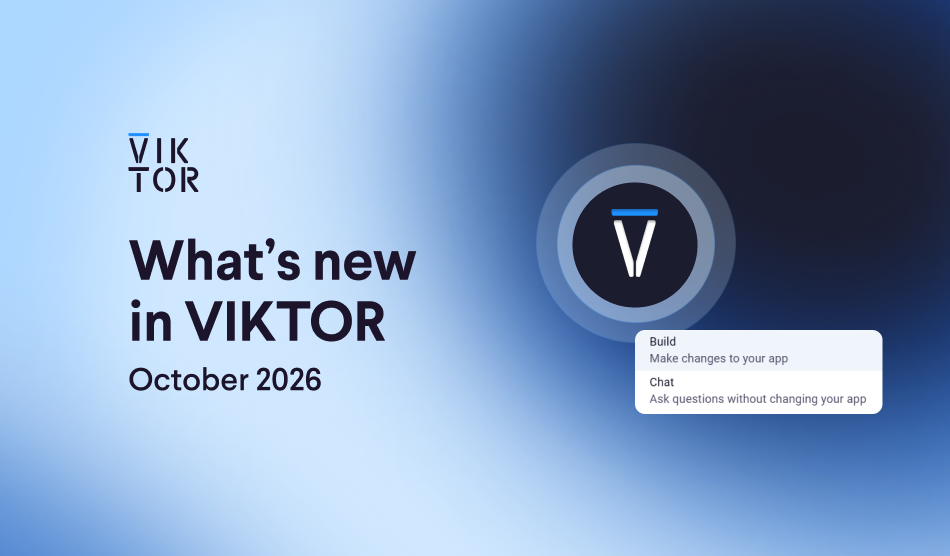
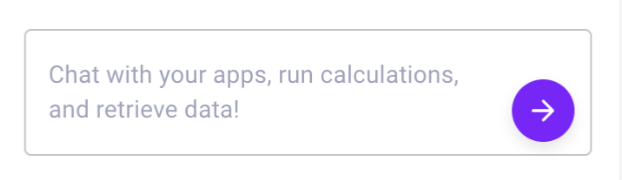
You can now easily add an AI chat to your apps. With the new built-in Large Language Model (LLM), you can add a chat field that lets users talk to the app and ask it to perform tasks.
For example, you can ask the app to explain results, analyze outputs, or extract insights from engineering data directly inside the interface. This opens up many possibilities to build more intuitive engineering apps that help you work faster and get more value.
In this tutorial, you’ll find practical examples showing how to use AI chat inside your apps, or visit the documentation to learn more.
Save data in App Builder apps
Until now, apps built with the App Builder couldn’t store intermediate results while you were working in the app. This meant certain inputs or results had to be recalculated repeatedly, and some interaction patterns were difficult to implement.
Now, App Builder apps can temporarily store data during a session. This means you can save results, inputs, or files in one step and reuse them in another step without running the same calculations again. The stored data is automatically cleared once you leave the app.
Visit the documentation to learn more.
Connect more easily to other software
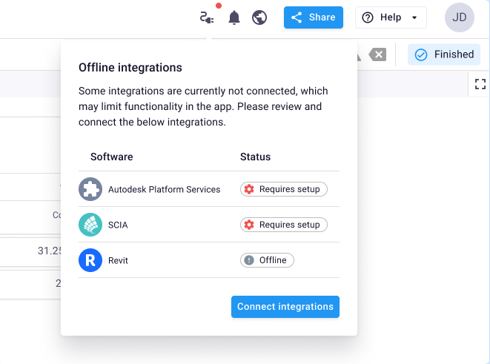
Connecting your app to engineering software like ETABS, SAP2000, Revit, or PLAXIS requires a worker that runs locally or on a server. Until now, setting this up could be confusing, because you had to figure which worker you needed and how to connect it.
Instead, you can now explicitly define in your code that your app requires a worker. After this, you are automatically guided through the setup process with prompts and a clearer status dialog to connect the correct it.
Want to see how this works in practice? Follow this tutorial, or visit the documentation to learn more!
Delete apps from the App Store
You can now remove apps from the App Store individually or in bulk, making it easier to keep your environment clean.
Projects now require an owner
To reduce admin overhead and improve access management, projects must now have at least one assigned owner at creation.
More app usage insights for admins
Admins can now filter activity by apps (instead of workspaces), giving clearer insight into how apps are used across projects and test environments. More information about the activity dashboard can be found here.
Community spotlight: Beam Documentation Generator
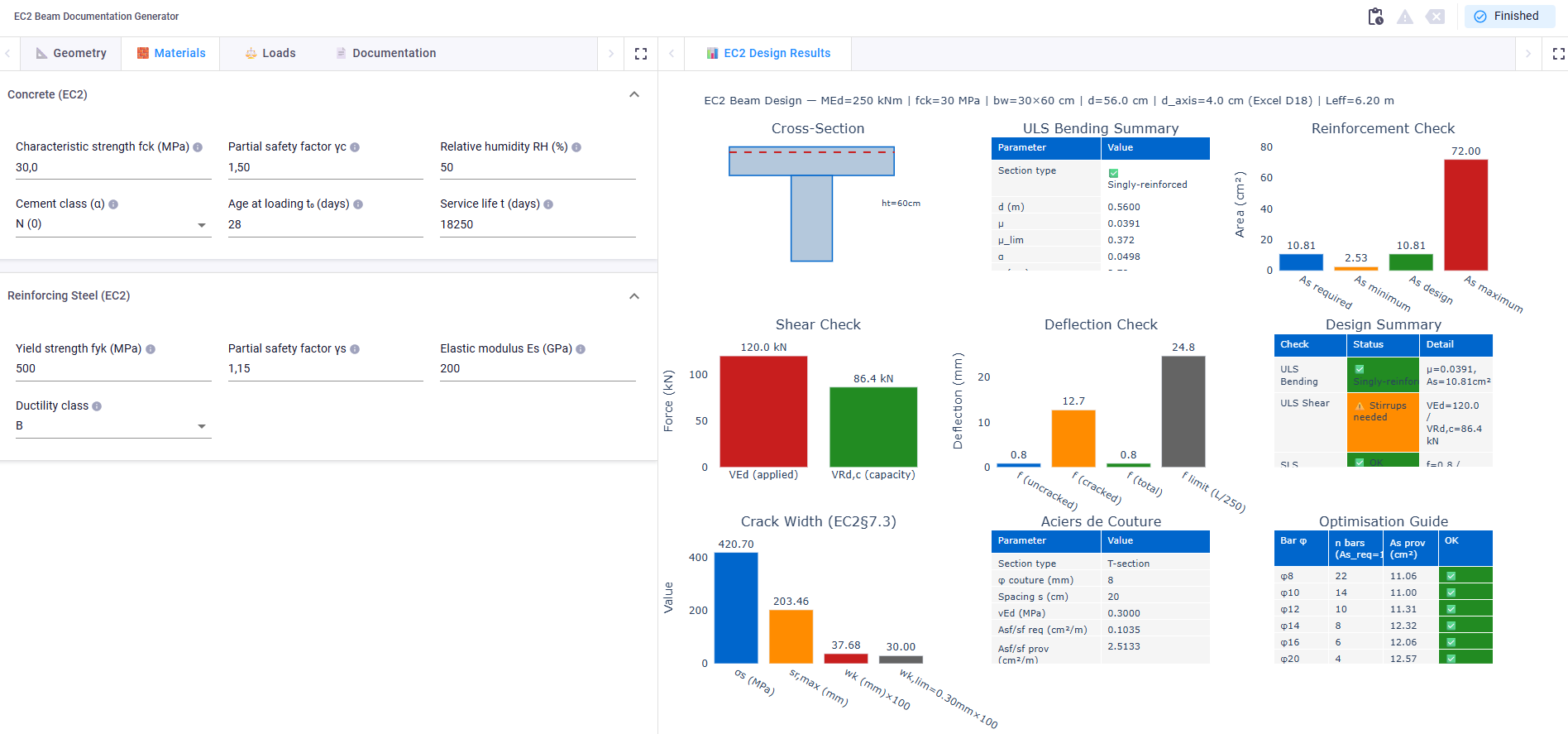
What if generating Eurocode 2 beam documentation only took a few seconds? Patricio Pozo T. built this app that turns beam inputs into a full EC2 design overview. Instead of juggling spreadsheets, you get instant visual feedback and a structured design summary.
Would you like to share your application with the rest of the community as well? Please let us know by sending an email to support@viktor.ai!
Other changes
SDK
- SDK version v14.29.0 is now available: changelog
CLI
- CLI version v0.47.0 is now available: changelog
PLATFORM
- Fixed workspace user count counting admins twice
- Added a new onboarding page and developer dashboard prompts per discipline
- Refined the activity dashboard to have a better empty state and dropdown filter
- Fixed showing correct number of projects for a user in the admin users table
- Fixed the show in app store toggle to no longer show when adding an app to a project
- Fixed MapLabel rendering in the MapViewFixed the publish to app store toggle to only show when the app has been published
- Fixed missing name column in OAuth2 integration tables
- Fixed a crash on the administrator workers page
- Fixed the missing app builder prompt limit error message