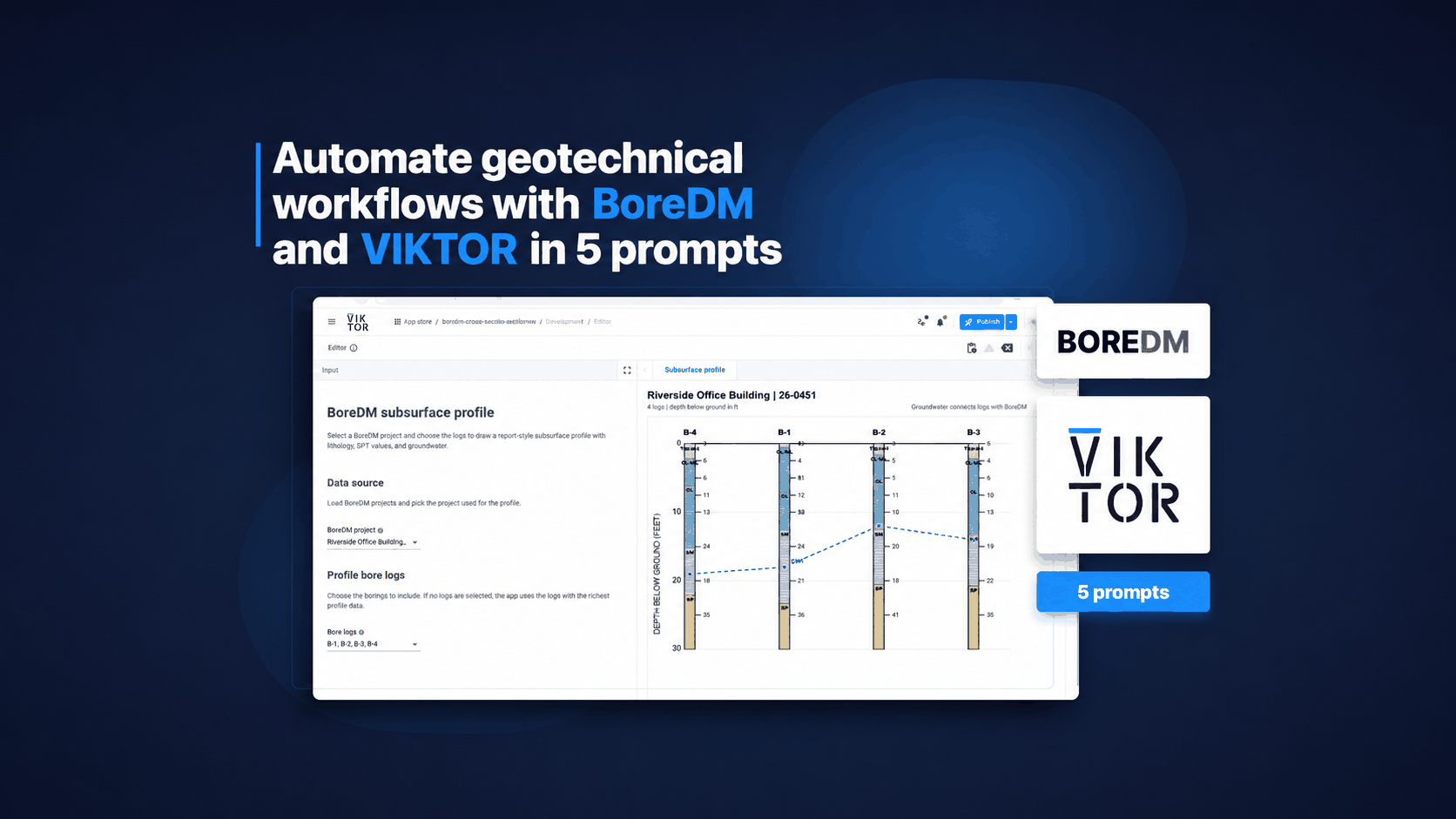
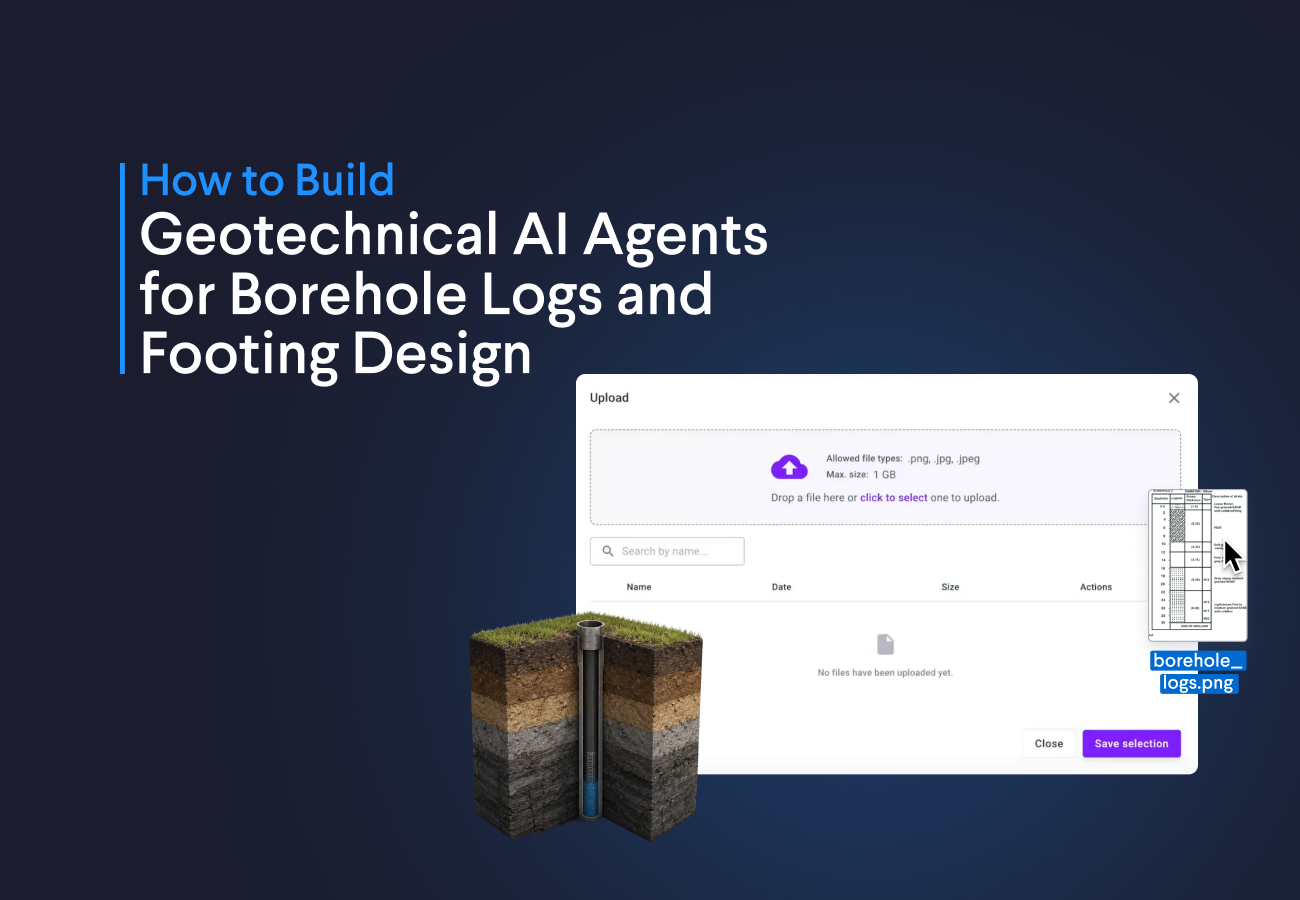
With the AI-powered App Builder, it is easy to create| an engineering app with a built-in powerful AI agent. Instead of stitching together extraction logic, validation, and interface work yourself, you can prompt VIKTOR to build the workflow for you and show the result inside one application. In this blog, we use two geotechnical examples to show how that works in practice.
You will learn how to save time on inputting and digitizing geotechnical data by running the following prompts:
- With Prompt 1, turn borehole log images into a structured soil table
- With Prompt 2, extract footing design parameters from a geotechnical report image
Prompt 1: digitize borehole logs
Many companies still have years of borehole information stored in image-based logs or scanned PDFs. The data is there but using it in a digital workflow often means reading each log manually and typing the strata back into a table. That takes time, especially when you need to review many locations in the same project.
This first prompt focuses on that problem. It creates an app that reads a borehole log image and converts the content into a structured table with depth ranges, layer thickness, soil type, and description. This is a good starting point when you want to move legacy geotechnical information into a format that is easier to review, compare, and reuse.
To illustrate this, let’s use the following image to create our app. The image shows a borehole log with depth ranges, strata thickness, soil type, and soil descriptions. Download it from this link and run the prompt below:



Build this app
Extract data from borehole logs
You can extend this application further by prompting the App Builder to generate a PDF report, an Excel sheet, or a Word document from the extracted data. You can even add postprocessing prompts to clean the output, reorganize the information, or prepare it for the next engineering step.
Prompt 2: extract footing design inputs from a geotechnical report
The second workflow targets another common bottleneck. Before starting a footing design, engineers often need to pull values from geotechnical report images, scanned tables, or formatted pages that are slow to read. I have personally spent a lot of time moving that information into Excel row by row just to prepare the inputs, and it is repetitive work that adds no real engineering value.
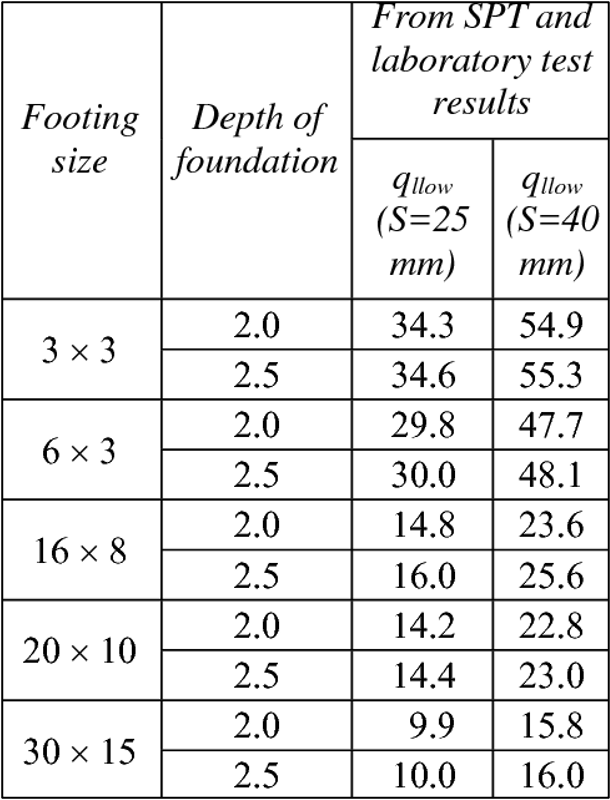
This prompt handles that manual step. The app reads the geotechnical report image, extracts the main footing design values, and uses them to populate the application inputs. That makes it easier to move from report review to actual footing sizing without repeating the same copy and paste work every time.
To illustrate this, let’s use the following image. It contains a table with key geotechnical inputs such as footing size, foundation depth, allowable pressure, and settlement. We will use these values to design a pad foundation, so download the image from this [link](https://drive.google.com/file/d/1O9o9HVydlK7DbjNrQ3uii5VoX0coLItb/view ?usp=sharing) and run the following prompt:
Build this app
Extract footing design input from geotechnical reports
You can also think about applications that read graphs or tables from engineering standards, transcribe field measurements, or organize manual surveying notes. The best part is that you only need a prompt to start saving time in your workflow.
Conclusion
These two prompts show how easy it is to create apps that integrate AI agents into engineering workflows. They can save time on repetitive tasks such as digitizing borehole logs or extracting values from reports, so engineers can spend less time on manual input work.
If you want to explore what this could look like in your own geotechnical workflow, you can book a demo here.
Start building apps for free