May 13, 2026
What's new in VIKTOR (May 2026)

by VIKTOR
App Builder
Upload XML, JSON, YML and Python files
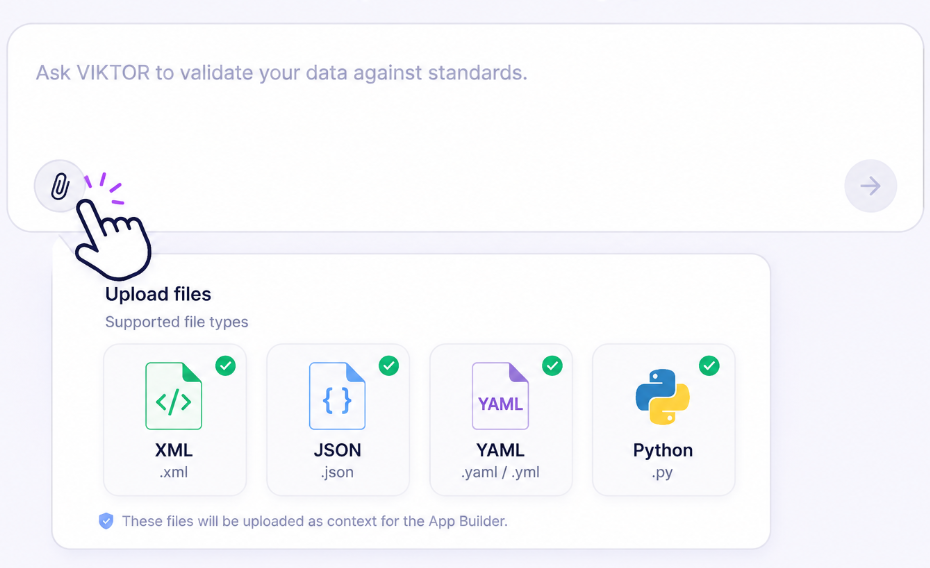
You can now upload more file types in the App Builder chat!
Use XML, JSON, YAML/YML, and Python files directly as context when generating apps, for example a LandXML export from Civil3D.
This makes it much easier to work directly with real configuration files, schemas, engineering exports, and scripts inside the App Builder, without any extra conversion or preparation steps.
Customer environments
The Home page has a new look!
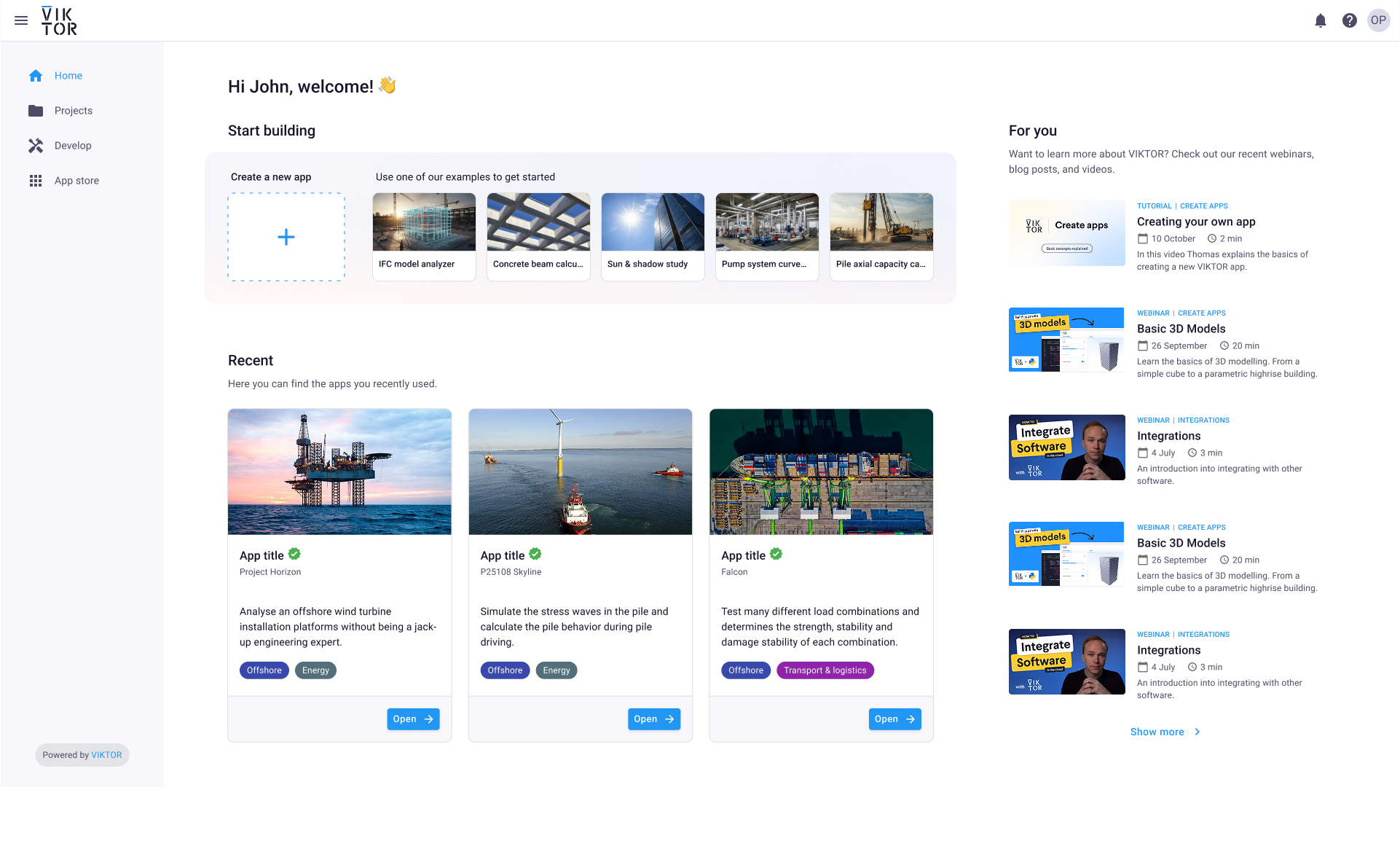
The VIKTOR Home page has been redesigned into a central hub with three clear sections: Building, Using, and For you.
Depending on your role and activity, the homepage adapts to show the most relevant actions, apps, and projects for you, whether you are just starting or continuing existing work.
This means faster access to recently used apps and projects, a clearer starting point for new users, and less searching through navigation.
You can now start building an app directly from example prompts, continue working on your own apps, or jump back into recently used apps across projects!
Read more about updates to the Home page in this community post.
All environments
Simplified Develop page
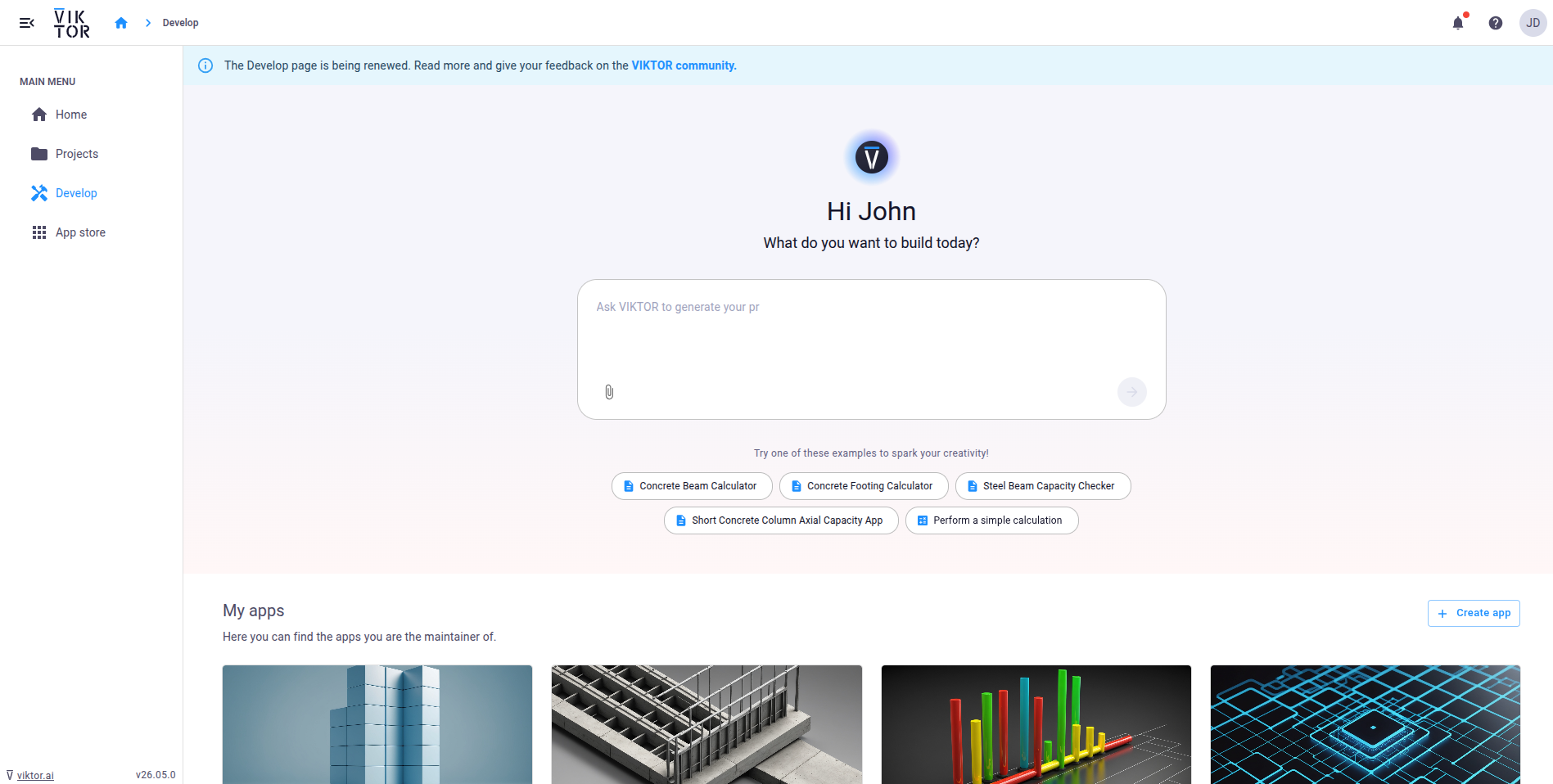
We've made managing and building apps from the Develop page more straightforward, whether you work locally in your IDE or directly in the App Builder.
Here's what's new:
- A fresh new look
- You can start local development easily from the Develop page
- You can create apps directly from the CLI while developing locally
Read more about updates to the Develop page in this community post.
Archive apps
VIKTOR automatically helps clean up unused apps
It’s easy to spin up apps in The App Builder while testing ideas or trying new workflows. But over time, unused experiments can pile up and make it harder to quickly find the apps your team works on.
VIKTOR now automatically archives unused apps that have no published version and no development activity for 90 days.
You stay fully in control throughout the process:
- Receive a notification email 30 days before archiving
- Get in-product notifications with one-click actions
- Restore archived apps anytime with a single click
- Nothing is ever deleted
This makes it easier to manage your apps, so you spend less time scrolling and more time building the workflows that matter.
Collaboration
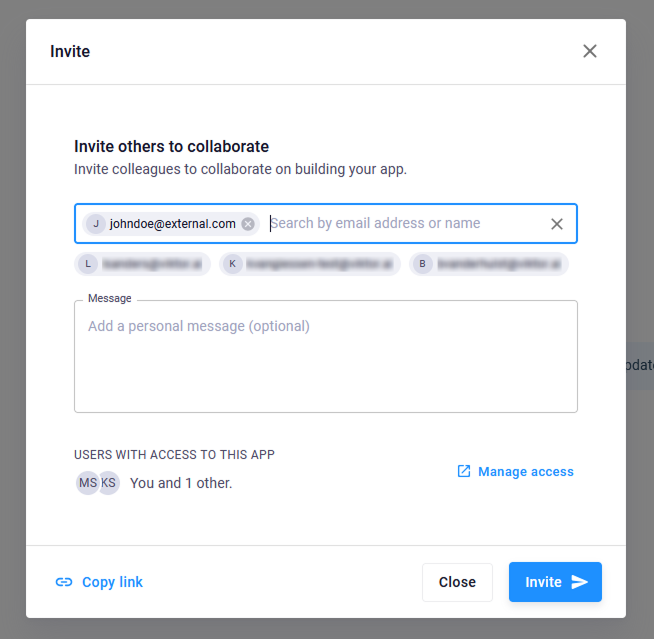
Invite new users from within the App Builder
Want to invite a colleague to collaborate on your app? You can now invite them directly from the App Builder invite dialog, even if they don't have access to your VIKTOR environment yet!
The system will handle the approval flow automatically and applies the correct permissions once access is granted, so you don't have to worry about any of this.
Project Owners
Manage access requests directly in VIKTOR
When someone requests access to a shared project, project owners will receive a notification with the option to accept or deny access directly inside their VIKTOR environment. This means you are no longer dependent on your environment admin to manage access requests!
Other changes
SDK
- SDK version v14.29.0 is now available: changelog
CLI
- CLI version v0.48.0 is now available: changelog
PLATFORM
- Improved the user access request flow to more easily request and grant access to projects and apps
- Fixed emails showing VIKTOR instead of company name when white labeling is disabled
- Improved the app builder landing page
- Added tester invitation during app builder publishing
- Added support for directly inviting non-existing users as app maintainers
- Added access request handling for SSO environments
- Improved vertical alignment of info icons next to links on the app details page
- Adjusted the app builder invite dialog description
- Fixed the app builder preview sometimes reloading when not expected
- Aligned pagination options and the number of columns for pages with cards to be consistent across all screen sizes
- Support markdown table rendering in SDK text object
- Support markdown table rendering in ChatField
- Changed ChildEntityManagerField to autofocus on the field and allow pressing enter to submit
- Fixed last edited date on app card
- Fixed bug where admins couldn't change project visibility
- Fixed missing public app link on the app details page for cloud environments
- Changed entity create and rename flows to autofocus on the field and allow pressing enter to submit
- Changed the header help button to an icon button
- Adjusted text in the app builder invite dialog
- Fixed incorrectly disabled visibility field on the manage project page
- Improved project name uniqueness check to detect conflicts with non-visible projects
- Test workspaces now use the app's readable name instead of short name
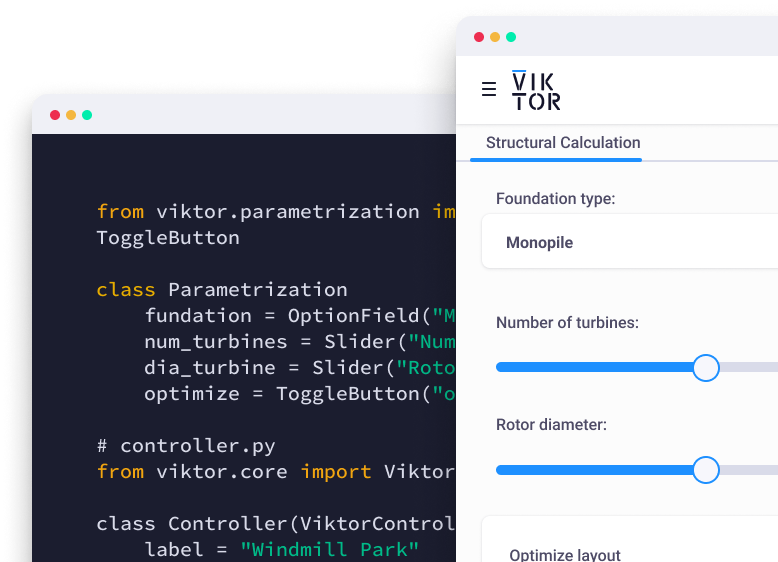
Start automating your workflows
Related Blog Posts
Get our best content in your inbox
Subscribe to our newsletter and get the latest industry insights