June 15, 2026
What's new in VIKTOR (June 2026)
by VIKTOR Team
Upload multiple files in the App Builder chat
Building an app often requires context from multiple sources. That's why you can now add multiple files throughout a conversation, building up to 20 files of context in a single App Builder session.
The App Builder reads uploaded files only when they are needed, making it easier to work with larger amounts of information.This allows you to gradually provide more context as your app evolves.
For example, you can start with a project specification, later upload an Excel template to generate the input form, and then add an example export format for the App Builder to replicate, all within the same conversation.
Visit the documentation to learn more.
App Builder supports Excel macros and Mathcad
The App Builder can now read Excel spreadsheets with VBA macros (.xlsm) and Mathcad worksheets!
This will make it much easier to modernize legacy workflows. For example, you can upload an existing Mathcad worksheet or macro-enabled spreadsheet and use the App Builder to help translate the underlying calculations into a Python-powered VIKTOR app.
Visit the documentation to learn more.
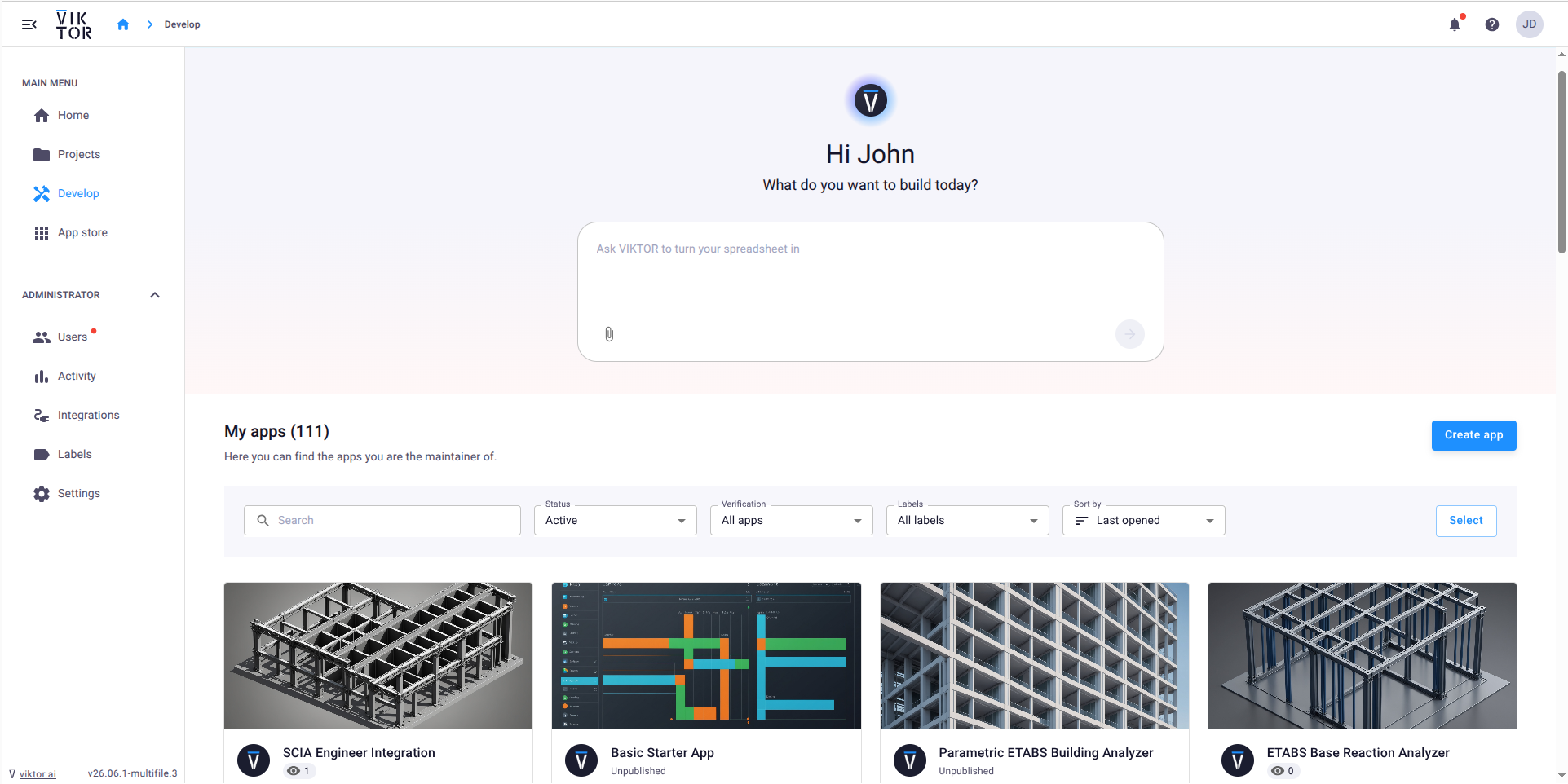
Manage all your apps from the Develop page
The Develop page is now the single place to create and manage the apps you built. You can view all your apps, filter and sort them, archive or delete apps, and jump directly into the App Builder or development environment.
With app management now fully moved to the Develop page, the App Store can focus on discovering and using apps.
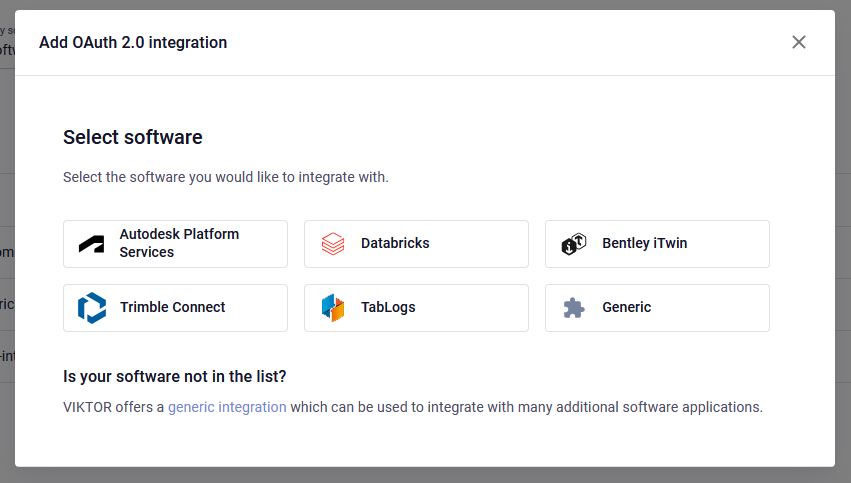
Easier setup of Bentley iTwin, Trimble Connect, and Tablogs integrations
You can now select Bentley iTwin, Trimble Connect, and Tablogs directly from the integrations overview. Each integration has its own dedicated entry with vendor branding and tailored documentation, making it faster to find and configure the integration you need.
Visit the documentation pages for the Bentley iTwin, Trimble Connect, and Tablogs integrations for more information.
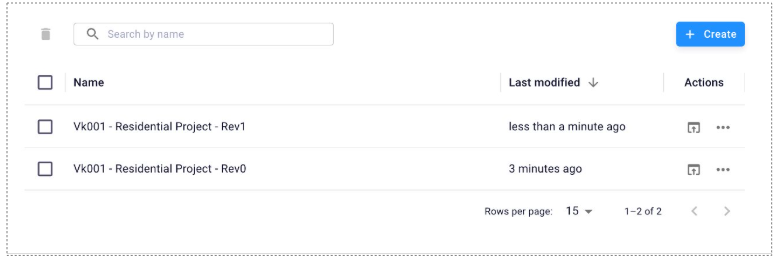
Request and manage project access directly in VIKTOR
Users can now request access directly from projects and apps they don't have permission to view. Project owners can review and approve requests from a dedicated Access Requests tab, either individually or in bulk.
Project owners can also invite colleagues directly from a project, an app, or during project creation, even if the user has not yet joined the environment. Access requests, approvals, invitations, and notifications are now handled directly within VIKTOR.
Other changes
SDK
- SDK version v14.29.1 is now available: changelog
CLI
- CLI version v0.48.0 is now available: changelog
PLATFORM
- Added better support for newer IFC file versions and improved the properties inspect window
- Added the ability for projects owners to invite users that do not exist on the environment to their projects
- Changed term usage for test app to be consistent
- Updated app builder to no longer show the local development screen
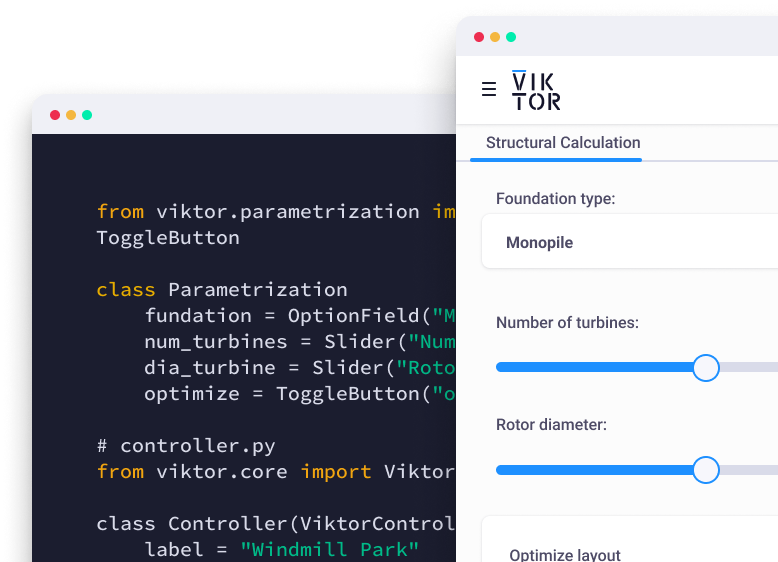
Start automating your workflows
Related Blog Posts
October 02, 2026
Autodesk University 2026 recap: Automate Civil 3D and AutoCAD workflows with VIKTOR AI and MCP
Read more
September 29, 2026
Automate Forma Site Design with VIKTOR AI: parametric buildings, terrain analysis and site layouts
Read more
September 22, 2026
Automate Civil 3D workflows with VIKTOR AI: prompts for road alignments, profiles and cross-sections
Read moreGet our best content in your inbox
Subscribe to our newsletter and get the latest industry insights