
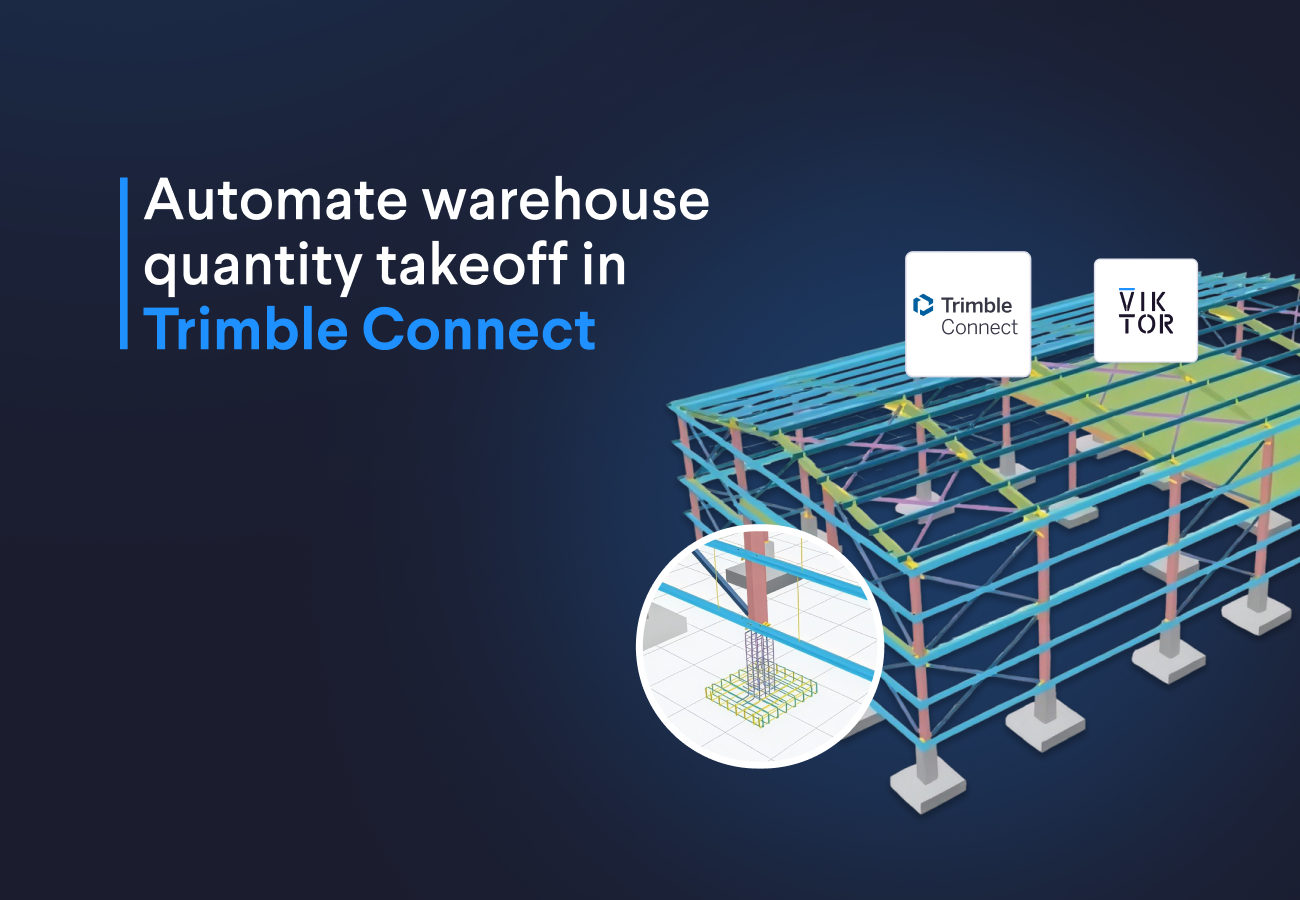
In this blog, you will automate the following Trimble Connect workflows:
-
Steel quantity takeoff: reduce spreadsheet work by grouping structural steel by element class and exporting weights and element details to Excel.
-
Bolt and plate costs: update connection estimates faster by combining model quantities with editable unit prices.
-
Concrete and reinforcement quantities: simplify team reviews by keeping concrete volumes, footing quantities, and reinforcing bar schedules in one workflow.
What is VIKTOR AI?
The VIKTOR AI platform gives you one place to automate engineering work, connect to the software you already use, and share apps with your team. You describe what you want to achieve, and VIKTOR AI turns your requirements into an app that performs calculations, processes project data, or generates reports.
The VIKTOR AI Knowledge Base helps your team keep the engineering knowledge behind these workflows available for future projects. Before sharing an app, your team can check it through development, testing, acceptance, and production (DTAP) stages, with VIKTOR Control managing governance and permissions. Once the app is ready, colleagues can find it in the Engineering Library and use it on another project by providing new project data. This lets your team build on existing knowledge and tested workflows, so you can spend more time reviewing results and making engineering decisions.
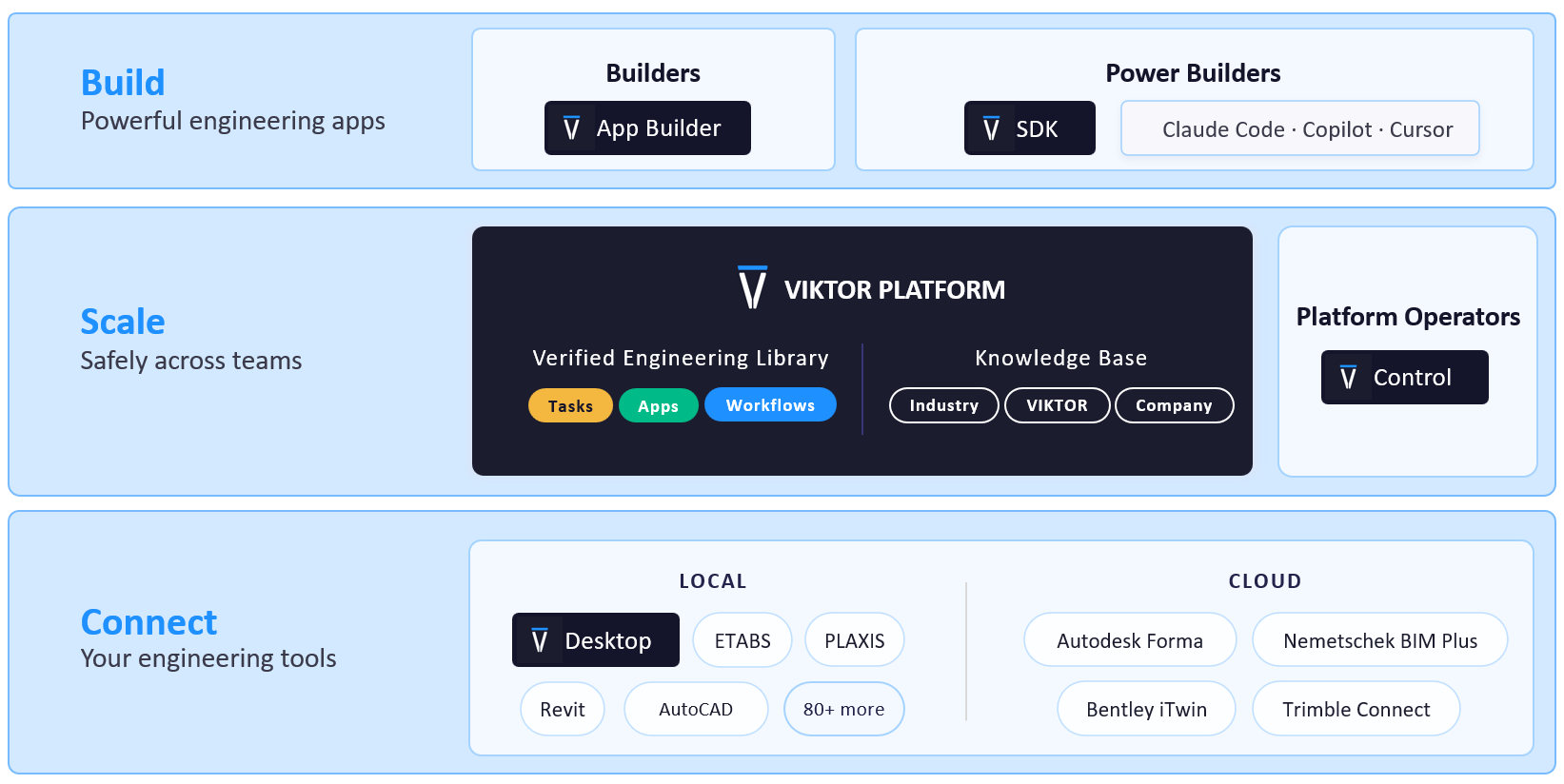
Trimble Connect is a cloud platform where project teams store, share, and review building models and project information. Connecting it to VIKTOR AI lets you use this data in your own quantity calculations and reports. Connecting VIKTOR AI to Trimble is pretty straightforward. We are using OAuth 2.0 as the authorization protocol to access Trimble data. You can reuse this connection across apps.
To use your Trimble Connect project data in VIKTOR AI, set up the connection in these three steps:
-
Create or select a Trimble Connect project. Note its hosting region.
-
Request API credentials from Trimble. Include an application name and the callback address for your VIKTOR environment.
-
Create the OAuth 2.0 integration in VIKTOR AI. Configure the client credentials and scope in the Administrator panel, then assign the connection to your apps.
For detailed instructions on each step, including prerequisites, screenshots, and configuration settings, follow the Trimble Connect integration guide.
In each prompt below, replace [YOUR-TRIMBLE-CONNECT-INTEGRATION-NAME-HERE] with the exact OAuth integration name configured in the VIKTOR Administrator panel in step 3. In the App Builder, select it in App details and save. Sign in to Trimble Connect when requested.
How do I create a warehouse steel quantity dashboard with Excel export using Trimble Connect and VIKTOR AI?
I've designed many warehouses, and my colleagues and I have often faced the same problem: extracting quantities manually and managing several Excel files without clear version control. When the model changes, we have to update the quantities and work out which spreadsheet matches the latest design. This takes time that we could spend reviewing the estimate.
The Trimble Connect API lets us query the warehouse model's IFC properties and use them to prepare a steel quantity takeoff. With VIKTOR AI, we can group steel elements, calculate their total weight, and export the results to Excel, reducing the time spent counting elements and updating separate spreadsheets.
The first prompt asks for a Plotly bar chart and a Table view, with an Excel export of the summary and element details. These outputs help the team discuss the steel scope and pass the same quantity list to the person who prepares the estimate.
Let's see this in action. Replace the integration name with your configured name, then use this prompt in the VIKTOR App Builder:



Steel Quantity Takeoff Dashboard
You can extend the app to prepare a report for the next estimate meeting:
1
2Extend the steel quantity app with a downloadable Word report.
3Include the selected project and model, steel weight by IFC class, the Plotly chart, and a table of missing quantities.
4Add dashboard charts that group steel weight by material grade and profile, using the properties available in the model.
5
How do I create a bolt and plate cost estimate from Trimble Connect with VIKTOR AI?
I've often struggled to get accurate quantities for bolts, nuts, washers, and small connection plates in warehouse models. I have to check the model, count small parts, and organize quantities and prices in Excel. These elements are easy to miss where connections overlap or repeat. A missed bolt group or a plate counted twice can change the estimate, and each model revision means repeating the work.
With VIKTOR AI, we can use the properties in the Trimble Connect model to group these quantities and calculate their costs in one app. The app groups bolts by size and standard and plates by thickness and material. It fills a price table with editable default rates, so the team can update prices and recalculate costs without rebuilding the spreadsheet.
You will see this workflow in the following prompt, which creates a dashboard with quantity and cost tables and a three dimensional (3D) model. Your team can review the connection quantities alongside the model, see which items still need a price, and export the summary to Excel for the next estimate review.
Bolt and Plate Quantity and Cost Dashboard
You can extend this workflow to compare supplier offers:
1
2Extend the bolt and plate app to compare two supplier price lists for the same model quantities.
3Let me upload the prices from Excel and match them to bolt size and standard or plate thickness and material.
4Show unmatched items, calculate each supplier's material cost, and add a Plotly comparison chart and a downloadable Word summary.
5
How do I calculate warehouse concrete volumes and rebar quantities from Trimble Connect with VIKTOR AI?
Finally, your team can turn to concrete and reinforcement to complete the warehouse quantity workflow. Your concrete team also needs column and footing volumes, while the reinforcement supplier needs bar quantities by diameter and grade. Separate reports make it harder to discuss these quantities together when the model changes.
The third prompt brings those tasks into one app. It asks for concrete quantities by IFC class and material, separate net and gross volumes, and a footing summary by type. Rebar means reinforcing bar. The rebar schedule groups modeled bars by diameter and grade and uses the available length and weight properties.
The requested three dimensional (3D) model viewer places the model beside the quantity outputs. This gives the estimator and model author a shared view for discussing the concrete and reinforcement scope. The Excel export provides the grouped quantities for the next estimate step.
Concrete and Reinforcing Bar Quantity Dashboard
You can continue with concrete procurement costs and a dashboard for the project team:
1
2Extend the concrete and rebar app with an interactive WebView dashboard.
3Let me filter quantities by material, footing type, and bar diameter.
4Add editable concrete prices per cubic metre and reinforcing bar prices per kilogram, then calculate separate material cost totals.
5Show which quantities still need a price and export the cost summary to Excel.
6
How can I understand and verify the generated apps?
One feature I really like in the VIKTOR App Builder is chat mode. I use it to understand how a generated app works, question its assumptions, and explore its limitations. For these quantity apps, I can ask which model properties they read and how they calculate the results. By starting each question, including follow-ups, with /chat, I can discuss the approach without changing the app.
For example, you can ask: “/chat Explain how this app calculates quantities from my Trimble Connect model. Which properties and units does it use? How does it handle assemblies and missing data? Describe its assumptions, limitations, and the checks I should make.”
You can also invite colleagues to collaborate through the Invite button in the App Builder. As maintainers, they can review the code, conversation history, and app revisions, and help improve the approach. To collect feedback from colleagues who will use the app, publish it privately and share the link within your company. Ask them to compare sample quantities with a known model report and discuss any differences. This combines an understanding of the calculation method with a review of the results by your team.
Conclusion
These three prompts provide starting points for warehouse quantity workflows in Trimble Connect. Your team can request a steel dashboard with Excel export, a bolt and plate cost workflow, and a concrete and reinforcing bar quantity app. Each prompt connects model properties to outputs that support the next estimate step.
You can then extend the apps with reports, additional dashboard charts, procurement calculations, or supplier comparisons. Try one of the prompts above, or book a demo here to explore how VIKTOR can automate your team's Trimble Connect workflows.
Start building apps for free
Related Blog Posts
October 02, 2026
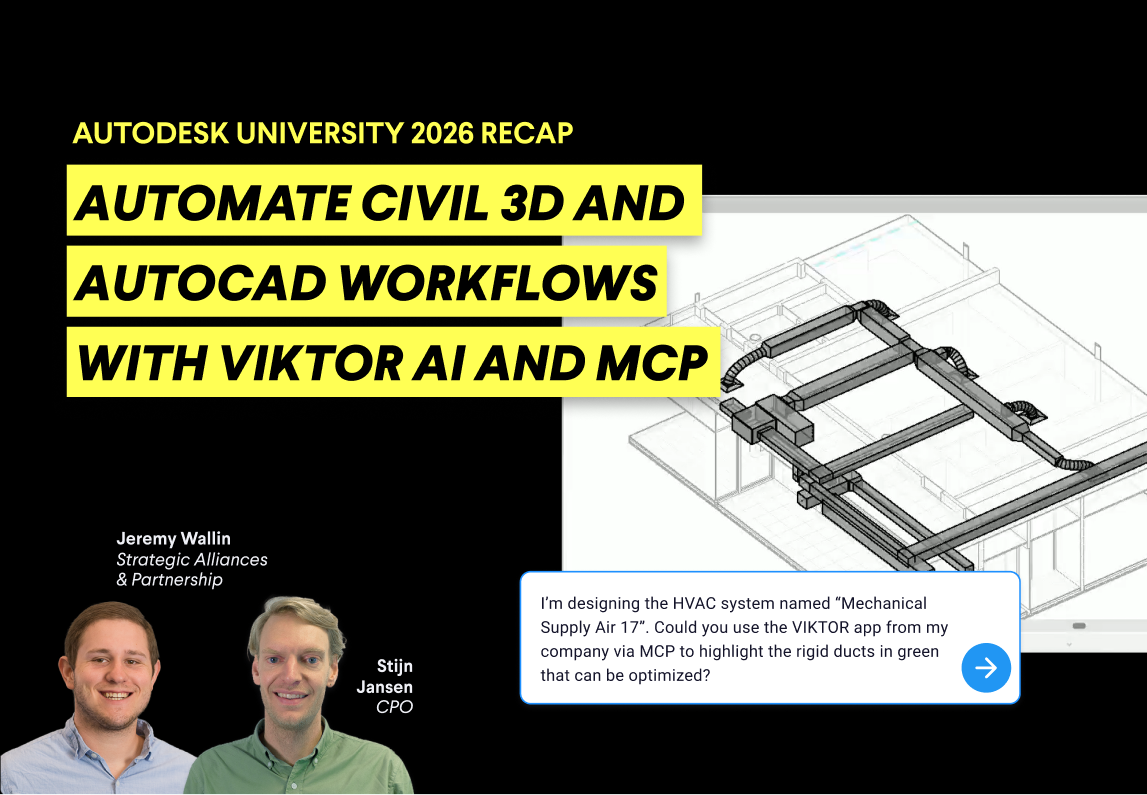
Autodesk University 2026 recap: Automate Civil 3D and AutoCAD workflows with VIKTOR AI and MCP
Read more
September 14, 2026
Automate AutoCAD drawings with VIKTOR AI: 3 prompts for parametric structures and details
Read more
August 27, 2026