
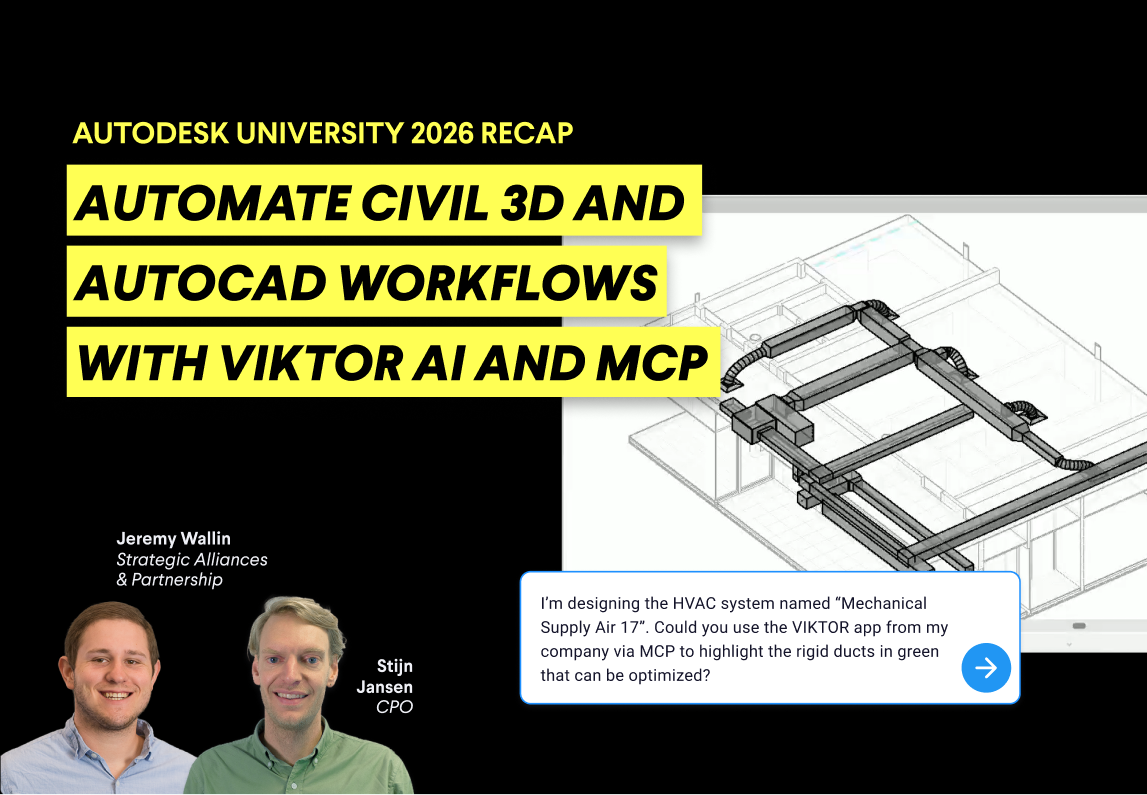
If you missed the webinar or want to revisit any part of it, watch the full recording here.
In the following sections, you will:
- Explore the AU highlights and Forma's connected project lifecycle
- See how the VIKTOR platform helps you build, scale, and connect engineering apps
- Revisit the demos and try the Civil 3D prompt yourself
- See how VIKTOR MCP connects engineering workflows through ChatGPT and Autodesk Assistant
Highlights from Autodesk University 2026
Autodesk University 2026 highlighted AI use cases in real projects and Autodesk Forma’s role in connecting the full project lifecycle. Jeremy started with highlights from over 500 sessions across Design and Make in Las Vegas. Stijn noted that AI was already a hot topic last year, but this year he saw more interesting use cases in real projects.
Jeremy then explained how Autodesk Forma connects the whole project lifecycle, from planning and design to preconstruction, construction, and operations. Autodesk's APIs let teams connect data from this environment to their own engineering tools and calculations.
VIKTOR's integrations bring this connected ecosystem into custom engineering workflows. At AU, the VIKTOR booth was busy with attendees exploring demos, and Jeremy noticed people stopping by each time he walked past. The collaboration behind these integrations has grown over time, with VIKTOR now an Autodesk Gold Partner.
Build, scale, and connect with the VIKTOR platform
Stijn introduced the VIKTOR platform as a trusted environment where engineers can combine engineering logic, AI, project data, and existing software into reusable apps and workflows.
VIKTOR provides a trusted environment where engineers can combine engineering logic, AI, project data, and existing software into reusable apps and workflows. These solutions can be tested and verified before being deployed across projects and teams, with the governance, access control, versioning, and auditability needed for engineering organizations.
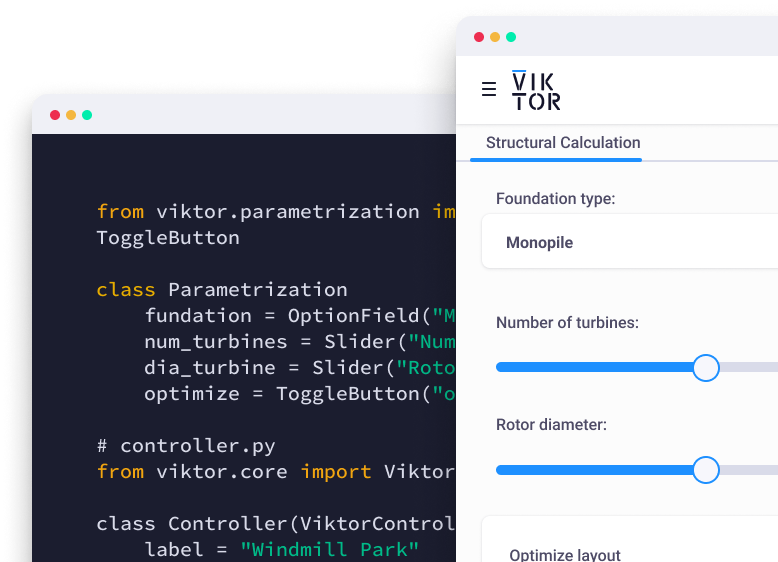
He described three pillars that support this approach: building powerful engineering apps, scaling them safely across teams, and connecting engineering tools. Teams can build with the App Builder or VIKTOR SDK, with knowledge-base guides and API references available to support development. VIKTOR Desktop connects apps to local software on Windows, while cloud integrations connect them to services such as Autodesk Forma.
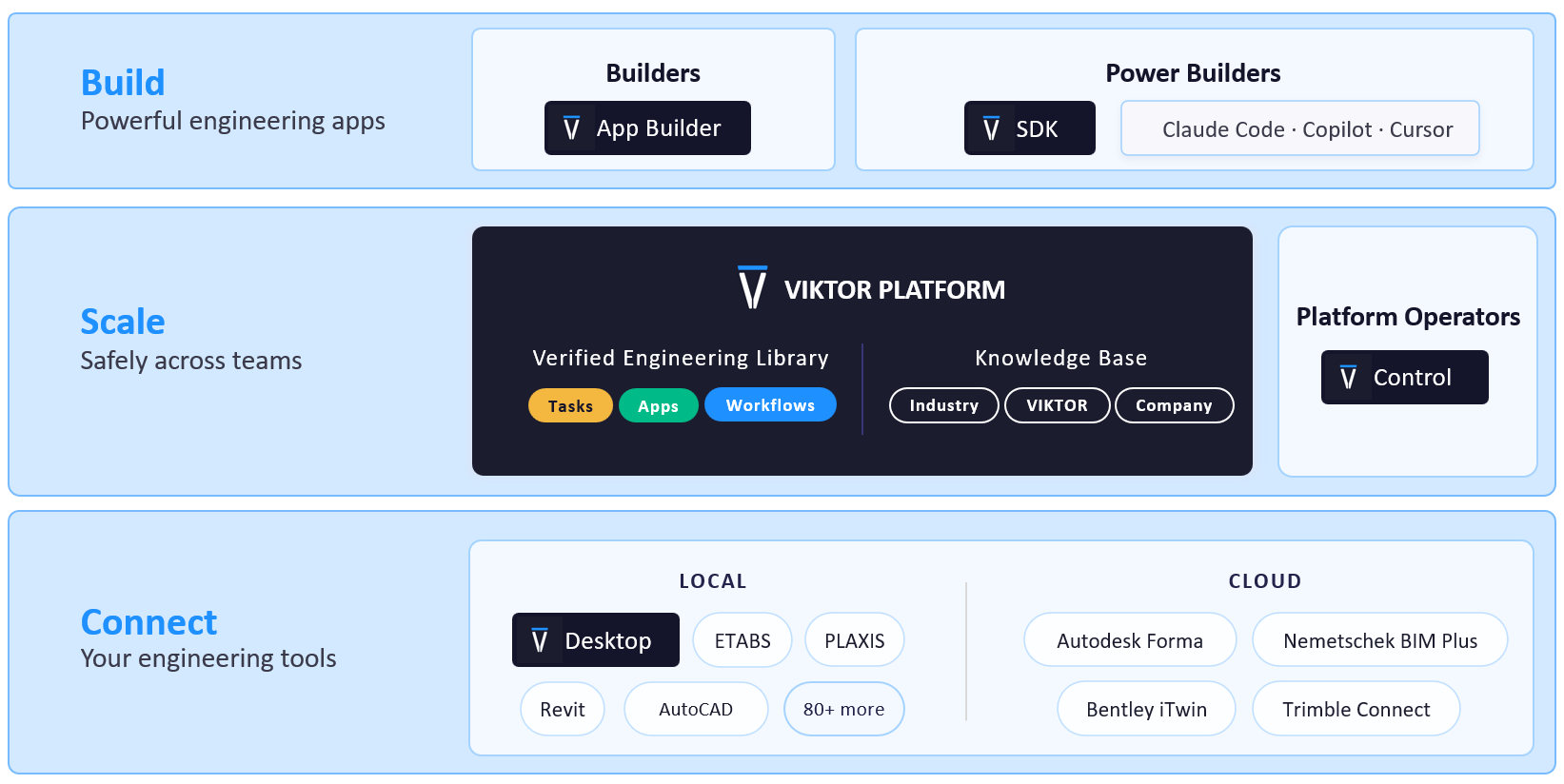
VIKTOR's updated integrations with Forma Site Design, AutoCAD, and Civil 3D sit alongside its existing connections with Revit and Autodesk Platform Services
Automate road alignment and profile reviews in Civil 3D with VIKTOR AI
Jeremy's explanation of Autodesk's connected ecosystem came together in Stijn's demos. In the Civil 3D example, Stijn used VIKTOR AI to build a road alignment review app that reads an open drawing and samples surface elevations along a selected alignment. The app displays the alignment's position and elevation profile in two interactive views.
For teams that prepare alignment review plots in Excel, the app removes repeated data transfers and chart setup. When the alignment changes, you can rerun the app to generate updated plots directly from the open Civil 3D drawing.
You can create the same app Stijn demonstrated by copying the prompt below into the VIKTOR App Builder.



Automate road alignment and profile reviews in Civil 3D
After the agent finishes building the app, download and install VIKTOR Desktop and follow the setup guide to connect Civil 3D. Then download the sample Civil 3D drawing and open it in Civil 3D. Keep the drawing open while using the app.
You can also extend Stijn's app to calculate cut and fill areas between the ground and design profiles. Your drawing needs a design profile associated with the selected alignment. Submit this follow-up prompt:
1Extend the app to let me choose a design profile for the selected Civil 3D alignment and compare it with the selected ground surface. Shade cut where ground is above the design and fill where it is below. Report the longitudinal cut and fill areas over the selected station range in squared drawing units. Split at crossings, exclude missing data, and keep the drawing unchanged.
Create engineering workflows with VIKTOR MCP
Stijn then moved from individual apps to connected workflows, showing two demos with VIKTOR MCP. Using the Model Context Protocol (MCP), compatible AI assistants can call VIKTOR apps, run calculations, and pass results between steps.
In the first demo, ChatGPT coordinated a workflow through VIKTOR apps: running an ETABS analysis, using the results to design and optimize footings, and drawing them in AutoCAD. The assistant handled the handovers between tools, while the apps performed the engineering calculations, leaving the results available for the engineer to review.
The second demo showcased a connection between Autodesk Assistant in Revit and VIKTOR MCP. The assistant retrieved information from the Revit model and called a VIKTOR app to optimize ducts. The engineer could then open the app to inspect the results.
This connection to VIKTOR MCP would let engineers call VIKTOR apps for engineering calculations directly from Autodesk Assistant inside Revit. It is still part of the roadmap, with availability hoped for in early 2027; the timing remains indicative.
Wrapping up
The Autodesk University 2026 recap highlighted practical AI use cases and better connections across the project lifecycle. Jeremy’s overview of Autodesk Forma and Stijn’s VIKTOR demos showed how these themes relate to everyday engineering work.
From reviewing Civil 3D alignments to connecting analysis, footing design, and drawing through VIKTOR MCP, the demos illustrated ways to reduce manual preparation and handovers while keeping engineering results available for review. The Autodesk Assistant demo offered a preview of starting specialist calculations directly from Revit.
Watch the full webinar to revisit the AU 2026 highlights, or book a demo to explore how VIKTOR could support your team’s workflows.
Start automating your workflows
Related Blog Posts
September 22, 2026
Automate Civil 3D workflows with VIKTOR AI: prompts for road alignments, profiles and cross-sections
Read more
September 14, 2026
Automate AutoCAD drawings with VIKTOR AI: 3 prompts for parametric structures and details
Read more
August 27, 2026