October 16, 2026
What's new in VIKTOR (October 2026)
by VIKTOR Team
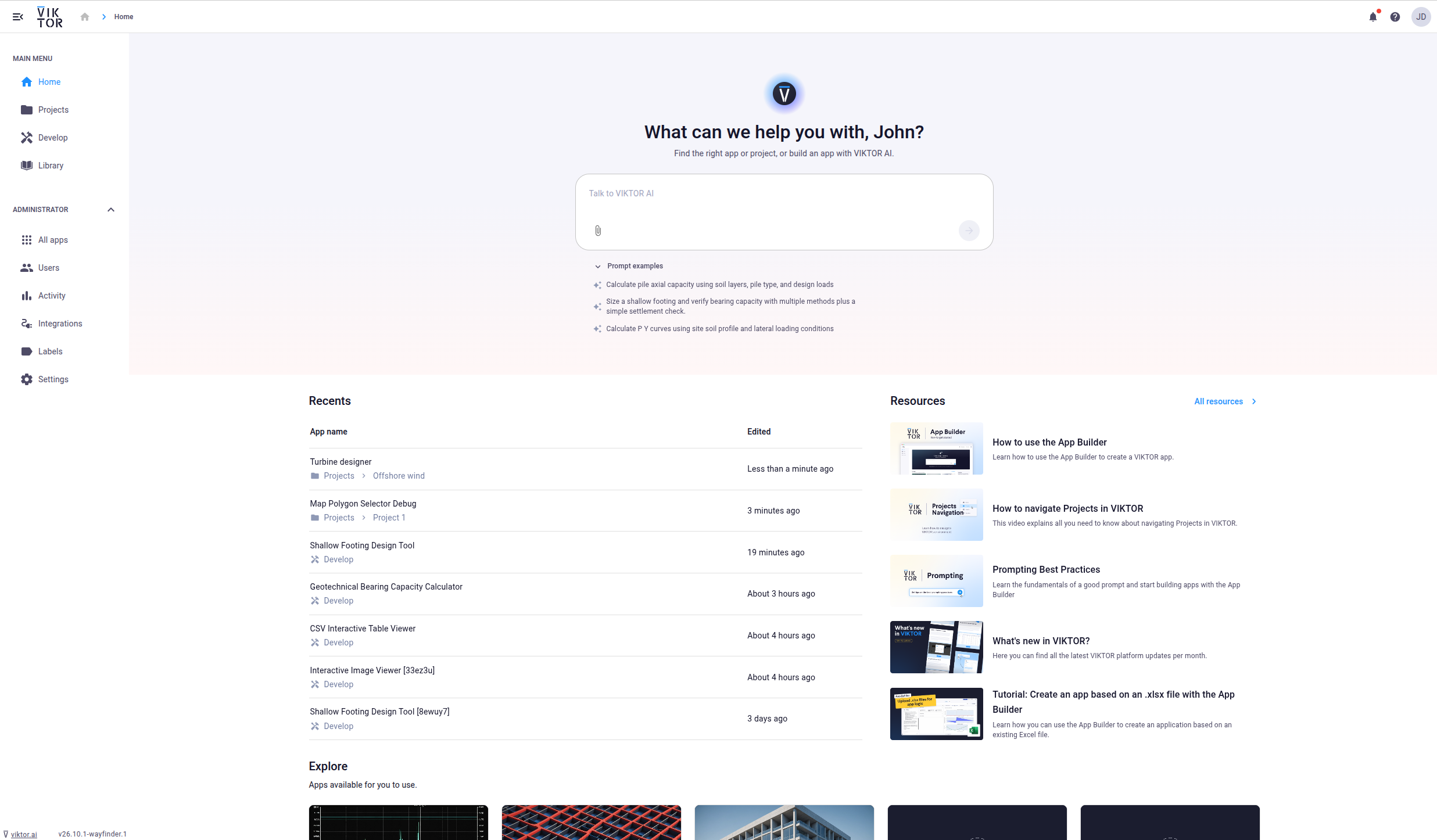
Homepage updates: find your apps or start a new one with a single prompt
We’ve made some updates to the homepage!
- Find apps and projects by describing what you’re looking for, for example “I want to calculate beam strength.” VIKTOR AI searches the apps and projects you have access to and suggests where to go.
- Start building a new app straight from the prompt. Your request carries over to the app builder, and you can attach files to it. If similar apps already exist, you can open one of those instead.
- Pick up where you left off in Recents, which now shows up to seven apps. This includes apps you use in projects, test apps, and apps you’re developing in the app builder or locally. Each entry shows where the app lives, so you can go straight to the app or its project.
Log into your VIKTOR AI account to see how it works!
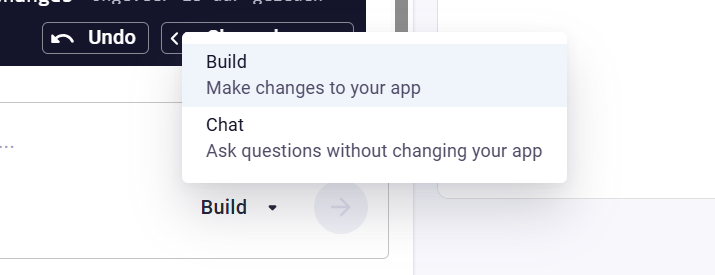
Switch to chat mode in the App Builder
With chat mode in the App Builer, you can ask the agent questions without changing your app. Once the App Builder has created the first version of your app, you can switch modes using the dropdown in the prompt field:
- Build: make changes to your app (default)
- Chat: ask questions without changing your app The selected mode stays active between messages and resets to Build when you leave the App Builder.
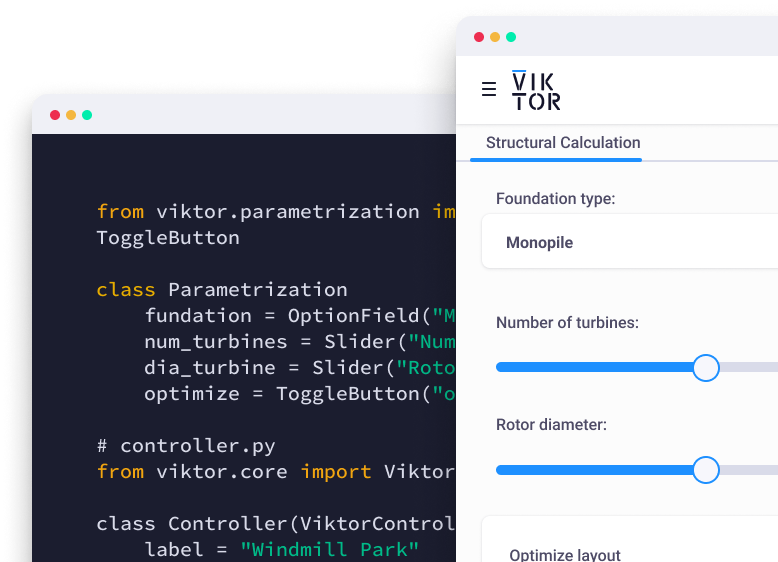
Build on your existing documents in the App Builder
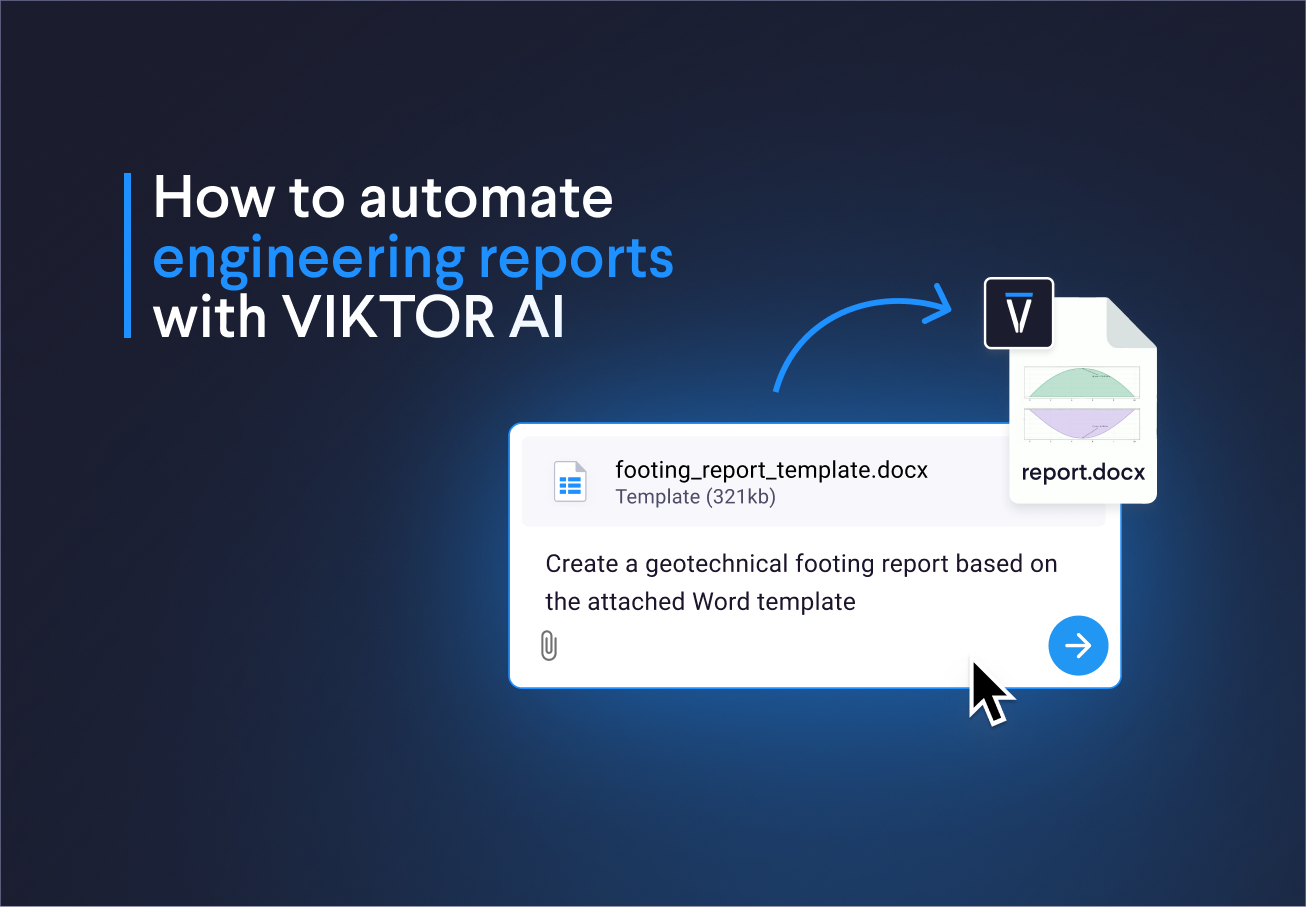
You can now start from your own templates and reports in the App Builder.
For example, you can upload a finished calculation report and ask the agent to make it parametric. It keeps your layout, including the front page, logos and table of contents, and replaces the values and text with data from your app. The documents you already use become reports your app generates automatically.
To make this possible, the agent can now:
- Inspect paragraph formatting (bold, highlights), document sections (body, header, footer, notes), tables, Jinja tags and images, not just plain text
- Edit headers, footers and notes directly
- Delete paragraphs, so it can build a custom document from a template instead of only filling one in
In this tutorial, we show explain how can you automate engineering reports with VIKTOR, including an example based on your own Word template.
Other changes
SDK -SDK version v14.36.1 is now available: changelog
CLI
- CLI version v0.50.1 is now available: changelog
PLATFORM
- An interrupted agent turn no longer stays pending; a finished turn's undecided tool calls are cancelled and running ones fail
- Fixed MCP tool calls failing with 401 for tokens bound to the MCP resource
- Removed the "What's New" dialog from the library and all apps pages
- Fixed WebViews being mistakenly marked as having an active interaction
- Fixed the "Add to Project" dialog not listing all projects
- Hidden the input panel of the editor when all its fields are invisible or hidden
- SSO client-secret expiration notifications now include the identity provider
- Pending organization access requests from users who already have an account are now auto-approved; an SSO login also clears a pending access request when the email case differs
- Fixed new table field filtering to work more reliably for different number formats
- Added filtering by clicking a label on a card
- Added support for uploading .lsp files in the app builder
- Made the app details page consistent across all locations with clearer sections
- Updated the app selector on the workflows page with a selection summary
- A workspace on a conflicted app version no longer breaks the upgrade cron and is upgraded again once a new app version is published
- Extended the table header background across the full width of the view and made the column separator visible
- Fixed loading older messages in agentic workflow conversations
Start automating your workflows
Related Blog Posts
Get our best content in your inbox
Subscribe to our newsletter and get the latest industry insights