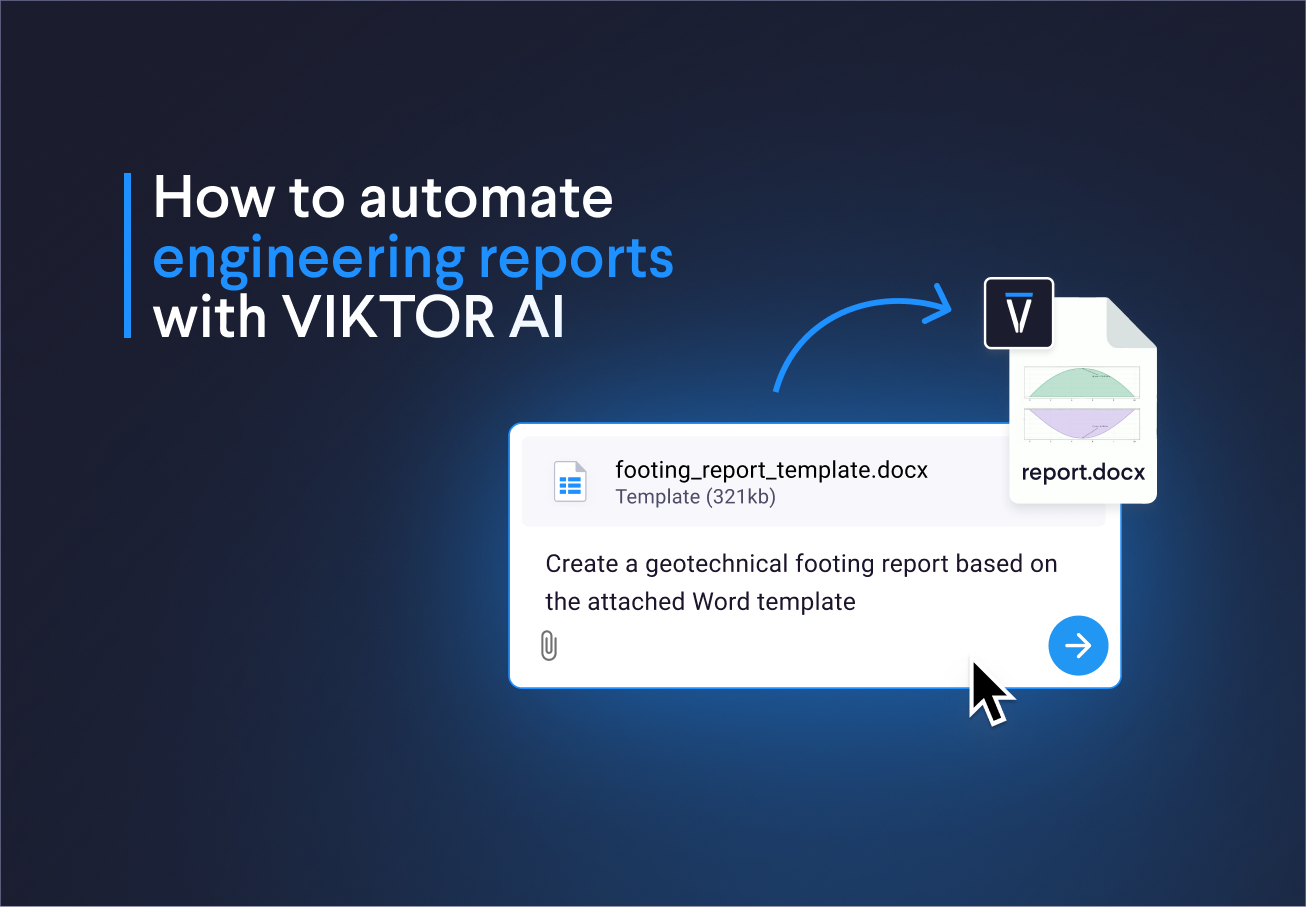
What is VIKTOR AI?
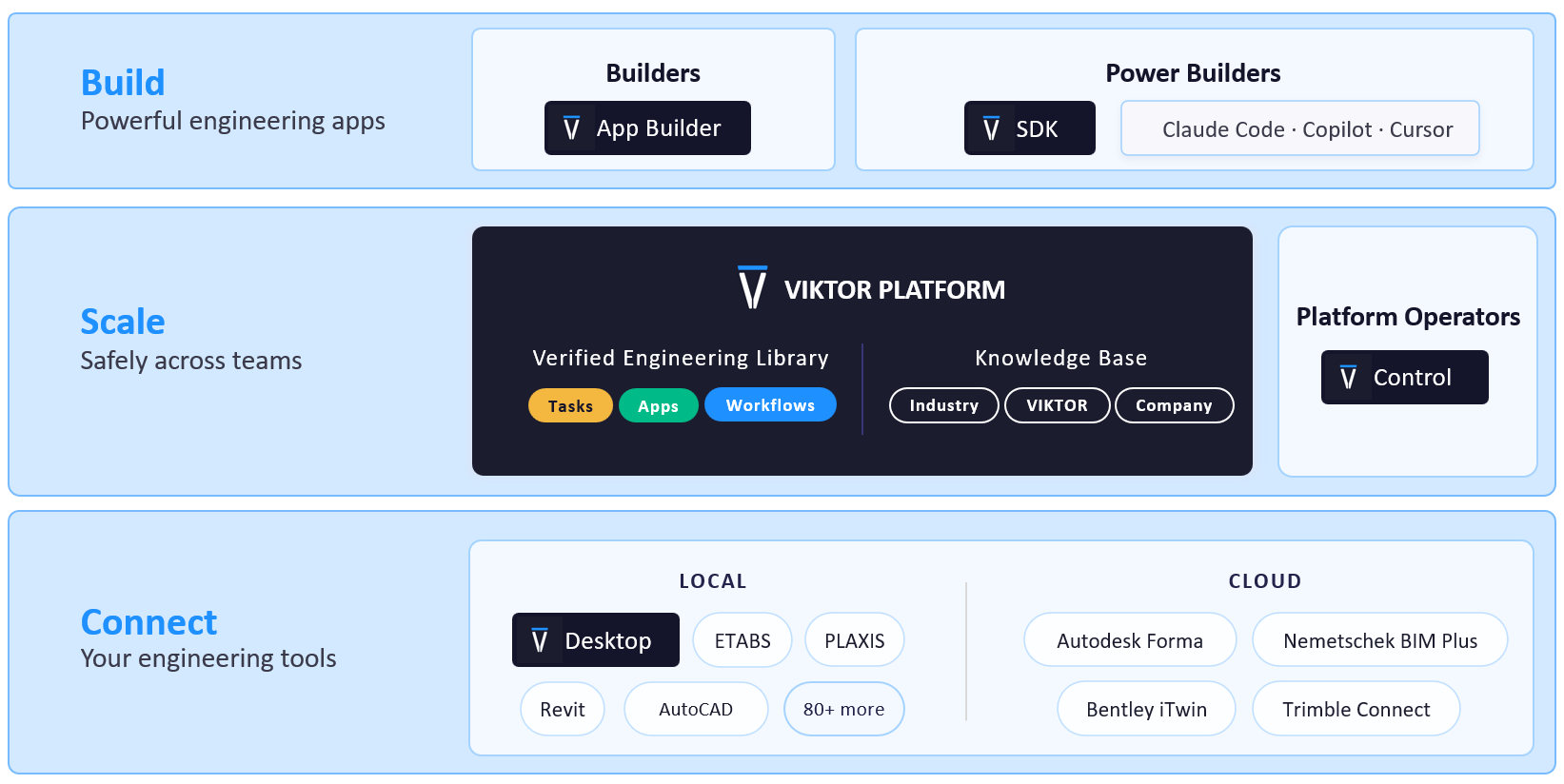
The VIKTOR AI platform gives you one place to automate engineering work, connect to the software you already use, and share apps with your team. You describe what you want to achieve, and VIKTOR AI turns your requirements into an app that performs calculations, processes project data, or generates reports.
The VIKTOR Knowledge Base helps your team keep the engineering knowledge behind these workflows available for future projects. Before sharing an app, your team can check it through development, testing, acceptance, and production (DTAP) stages, with VIKTOR Control managing governance and permissions. Once the app is ready, colleagues can find it in the Engineering Library and use it on another project by providing new project data. This lets your team build on existing knowledge and tested workflows, so you can spend more time reviewing results and making engineering decisions.
The three examples in this blog will cover these reports:
- Structural beam report: reactions, stresses, deflections, and diagrams for a simply supported beam.
- Mechanical pipe report: flow regime, pressure loss, and a chart showing the effect of pipe length.
- Geotechnical footing report: bearing pressure, utilization, and required area in your team's Word template.
How do I create a structural beam report with VIKTOR AI?
When I prepare a beam report, I need to bring the inputs, equations, results, and diagrams together in Word. If the span or load changes, I have to update each part of the report. The calculation may be simple, but repeating these document updates takes time.
With VIKTOR AI, you can keep the beam calculation and its report in one app. The app calculates reactions, shear, bending moment, stress, and deflection from the current inputs. It then uses those results to prepare the report, reducing the work of copying values and replacing diagrams after each project change.
The first prompt asks for a simply supported beam calculation, result views, and a Word report with inputs, assumptions, diagrams, and conclusions. Use the following prompt box to create the first app in the VIKTOR App Builder. No attachment is needed:



Create a structural beam report with VIKTOR AI
You can extend the app to include a point load and update the calculations, diagrams, and report together:
1Extend the beam app with a vertical point load and its position along the span, in addition to the uniform load.
2Recalculate reactions, shear, bending moment, stress and deflection using the combined loads.
3Update the diagrams and Word report with both loads, the calculation steps and the current pass or fail checks.
4Reject point load positions outside the span.
How do I create a mechanical pipe pressure loss report with VIKTOR AI?
Working with mechanical engineering teams, I've noticed they also spend time updating reports after the calculations are done. When a pipe diameter or flow rate changes, the team needs to update the input tables, results, and charts in Word. That means repeating the same report edits for each revision.
The second example uses the same reporting approach for mechanical calculations. With VIKTOR AI, we can calculate pressure loss and prepare the report in one app. This keeps the report connected to the current inputs and reduces repeated updates when comparing pipe sizes.
Create a mechanical pipe pressure loss report with VIKTOR AI
You can extend the app to compare pipe sizes and prepare a report for the selected diameter:
1Extend the pipe app to compare a list of internal diameters for the same flow rate, pipe length and fluid properties.
2Show velocity, Reynolds number, friction factor and pressure loss for each diameter in a table and chart.
3Keep transition warnings visible.
4Let me select a diameter and generate a Word report with its inputs, calculations and results.
How do I use my company's Word template for a geotechnical footing report with VIKTOR AI?
Finally, your team may need to use the company's Word template for every report. When footing dimensions or loads change, you have to update the calculations and copy the new results into that template. This adds more work to each revision.
This example uses two prompts. First, you create the app to check the pressure below the footing against the soil pressure limit you provide. Then you attach the Word document and add the report. This keeps the calculation and document in the same app.
Use this prompt to define the inputs, calculations, and scope. No attachment is needed for this step.
Create a geotechnical footing report based on your Word template with VIKTOR AI
Once the app is ready, download this Word document as a .docx file. Attach it in the same app's prompt box, then submit the following prompt. The app should use the document's layout and fill it with the current results.
1Use my attached Word document as the template for a downloadable report from this footing app.
2Keep the cover, heading styles, real Word tables and final review page.
3Replace sample project details, input values, formulas and results with the current app data.
4Show formulas with substituted values and units.
5Include the pressure chart, assumptions and current pass or fail conclusion.
6Use VIKTOR's Word template renderer.
7Keep calculation labels and table rows together.
8Add a real footer with project, revision and page number.
9Remove unused placeholders and extra blank pages.
You can extend the app to compare service load cases and generate a report for each selected case:
1Extend the footing app with an editable list of named service load cases.
2Keep the footing dimensions and allowable pressure fixed, and let each case have its own vertical load and self weight allowance.
3Compare pressure, utilization and pass or fail status in a table.
4Let me select a case and generate its Word report using the same company template and real Word tables.
How can I understand and verify apps built in VIKTOR AI?
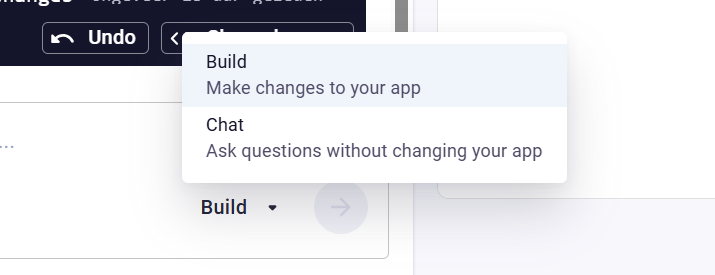
When I want to check how an app calculates its results, I use chat mode. I start each question with /chat to discuss the calculation without changing the app.
For example, you can ask switch to chat mode and ask the App Builder to: "Explain how this app performs its calculations and creates the Word report. Which equations and units does it use? How does it handle missing or invalid inputs? Describe its assumptions, limitations, and the checks I should make."
You can also invite colleagues to collaborate through the Invite button in the App Builder. As maintainers, they can review the code, conversation history, and app revisions, and help improve the approach. To collect feedback from colleagues who will use the app, publish it privately and share the link within your company. Ask them to compare the calculations with a known reference case and check that the Word report uses the same inputs and results. This combines an understanding of the calculation method with a review of the report by your team.
This video shows how you can invite colleagues to test your app.
Conclusion
These three examples provide starting points for engineering report workflows. Your team can create a beam calculation app with a Word report, a pipe pressure loss app, and a footing bearing check using your company's Word template. Each example connects project inputs, calculations, and reports, reducing repeated document updates when the project changes.
You can then extend the apps with more engineering checks, pipe diameter comparisons, or footing service load cases. Try one of the examples above, or book a demo here to explore how VIKTOR AI can automate your team's engineering report workflows.
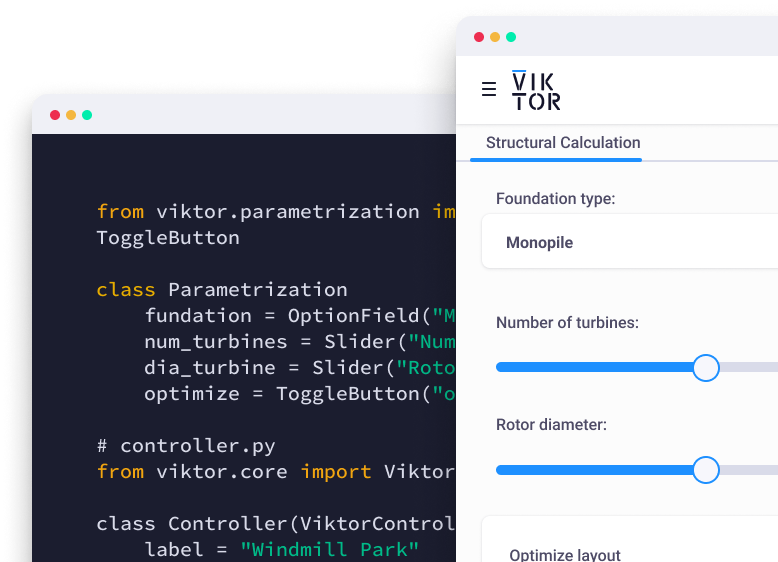
Start automating your workflows
Related Blog Posts
October 02, 2026
Autodesk University 2026 recap: Automate Civil 3D and AutoCAD workflows with VIKTOR AI and MCP
Read more
September 22, 2026
Automate Civil 3D workflows with VIKTOR AI: prompts for road alignments, profiles and cross-sections
Read more
August 19, 2026
Automate SAP2000 processes with VIKTOR AI: 3 prompts for preliminary structural analysis
Read moreGet our best content in your inbox
Subscribe to our newsletter and get the latest industry insights